n8n

AI product photos, automated in n8n

Add the verified Dreem node to your n8n workflows and turn a single product photo into on-model shots, ghost-mannequin images, packshots, and video — triggered on a schedule, a webhook, or any of n8n's 1,000+ apps. No studio, no manual exports.

Verified node on n8n · Free to try · No card

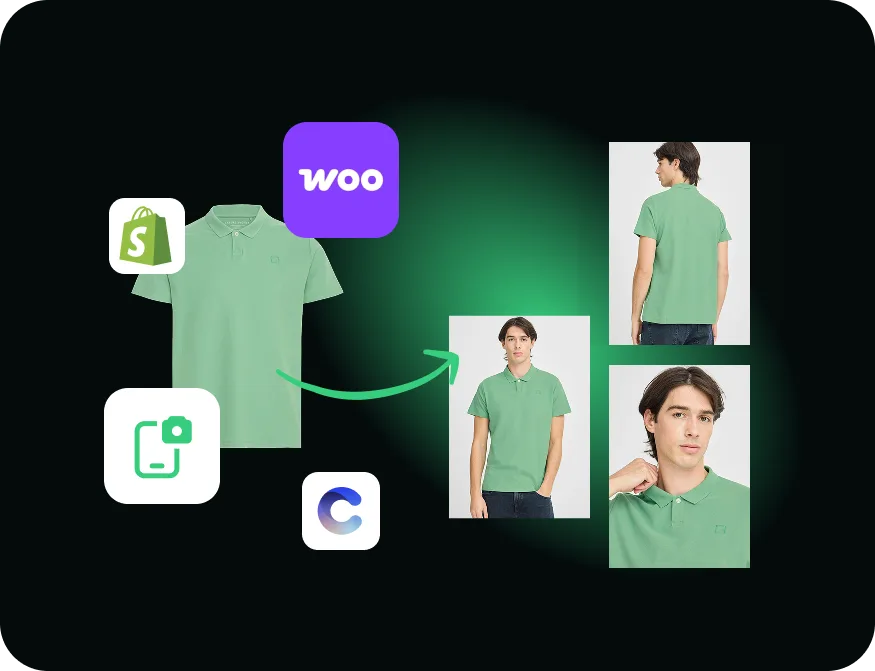
One product photo turned into multiple on-model shots inside an n8n automation, alongside Shopify, WooCommerce and Creative Force connectors
7 actions shots, video & status, in one node
1,000+ apps to trigger and deliver to
Hands-off runs on a schedule or webhook

Dreem runs as a step in your workflow.
n8n handles the trigger and the hand-off.
More shots per SKU. No studio. On autopilot.

n8n workflow
Poll
Trigger

Schedule or webhook

Starts the run

Source photo

Sheet, store, or URL

Dreem node

Generate shots & video

Dreem

Poll status

Get task status

Deliver

Store, Slack, Drive

1,000+ apps

n8n connectors

One illustrative workflow — the Dreem node slots into whatever you already run in n8n, from trigger to delivery. You choose what fires it and where the results go.

The integration

What the Dreem n8n node does

Product photography doesn't have to be a manual, one-at-a-time job. The Dreem node brings Dreem's generation engine into n8n as a regular workflow step, so a single product photo can become a full set of listing images — automatically, as part of a pipeline you already run. Drop it after a Google Sheet, a new-product webhook from your store, or a scheduled trigger, and let the workflow do the rest.

The node is verified by n8n and authenticates with your Dreem API key. Once it's installed and the credential is set, every action in the node is available to any workflow on your instance.

Seven actions, one node

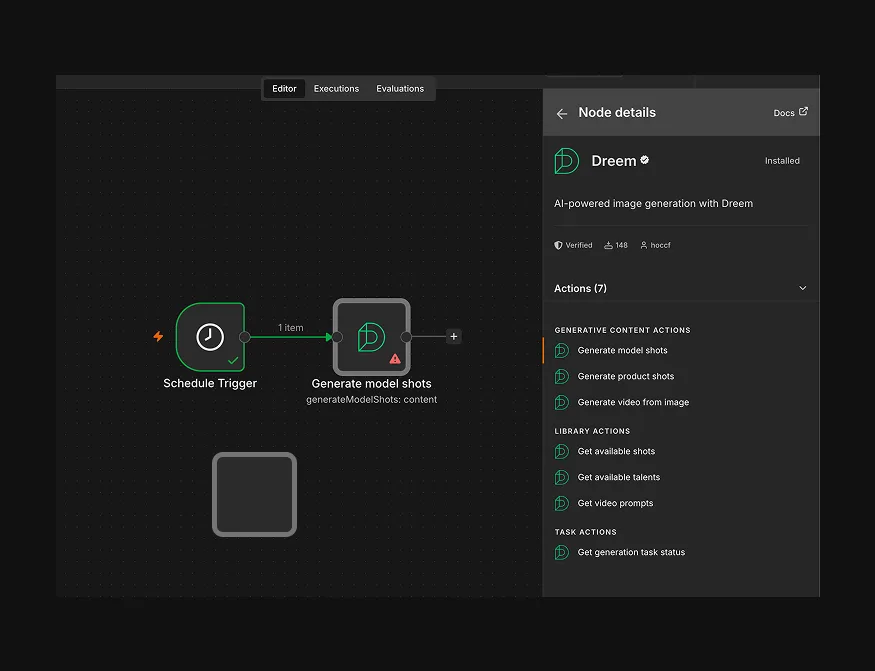
The Dreem node exposes everything you need to generate and track assets without leaving n8n:

Generative content

  • Generate model shots — try your product on different models and shots
  • Generate product shots — clean, studio-style packshots
  • Generate video from an image

Library & tasks

  • Get available shots — list every shot you can request
  • Get available talents — list the AI models on offer
  • Get video prompts — list ready-made video prompts
  • Get generation task status — poll a job until it's done

Who it's for

Teams that already run on automation — ecommerce and marketplace sellers, agencies, and ops teams managing apparel catalogs at volume. If you're pushing new products, restocks, or colorways through n8n, the Dreem node generates the matching shots in the same flow, so imagery keeps pace with the catalog without anyone opening a dashboard.

What it's good at — and what to know

Strong today

  • Verified node — installs from the n8n node panel
  • On-model, ghost-mannequin, packshot, and video, fully scriptable
  • Chains with any of n8n's 1,000+ apps to trigger and deliver

Good to know

  • Built for apparel and wearables — things people wear
  • Needs a Dreem API key; generations use your plan's credits
  • Generation is async — poll Get task status, then add a review step before publishing
Get started

Add Dreem to n8n in three steps

  1. 01
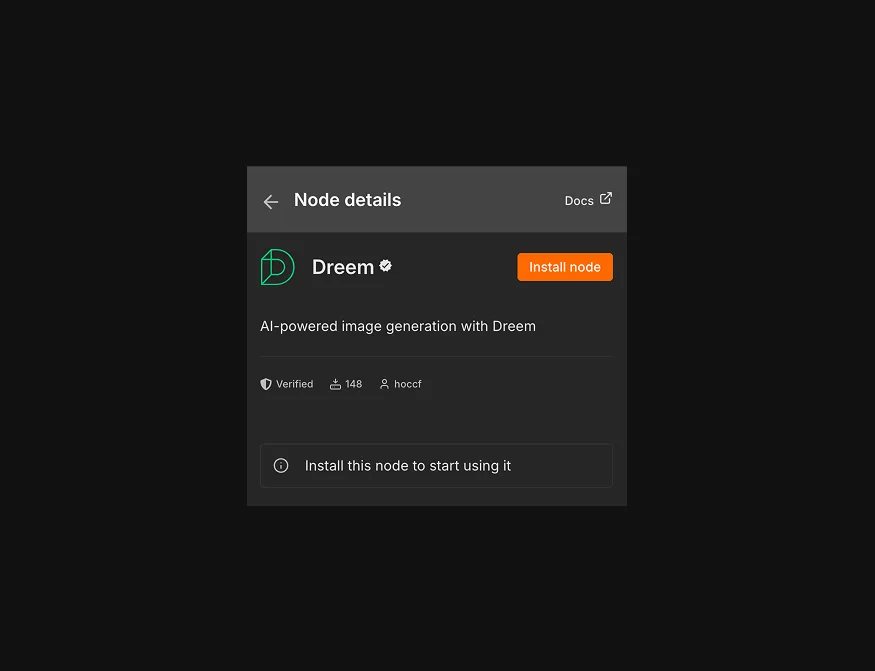
    The verified Dreem node details panel in n8n with an Install node button

    Install the node

    Find the verified Dreem node in the n8n panel and install it. On self-hosted, an instance owner sets it up once.

  2. 02
    An n8n workflow with a Schedule Trigger connected to the Dreem node showing its seven actions

    Build your workflow

    Add your Dreem API key as a credential, drop the node into a workflow, and pick an action — generate shots, video, or check status.

  3. 03
    A single product photo turned into a full set of on-model and packshot images by the automated workflow

    Run it on autopilot

    Trigger on a schedule or webhook, poll until generation finishes, then deliver the shots wherever your workflow sends them.

What it generates

One product photo, a full set of listing shots

Every tile is a genuine Dreem output generated from a single flat photo — the kind of image the node produces inside your workflow.

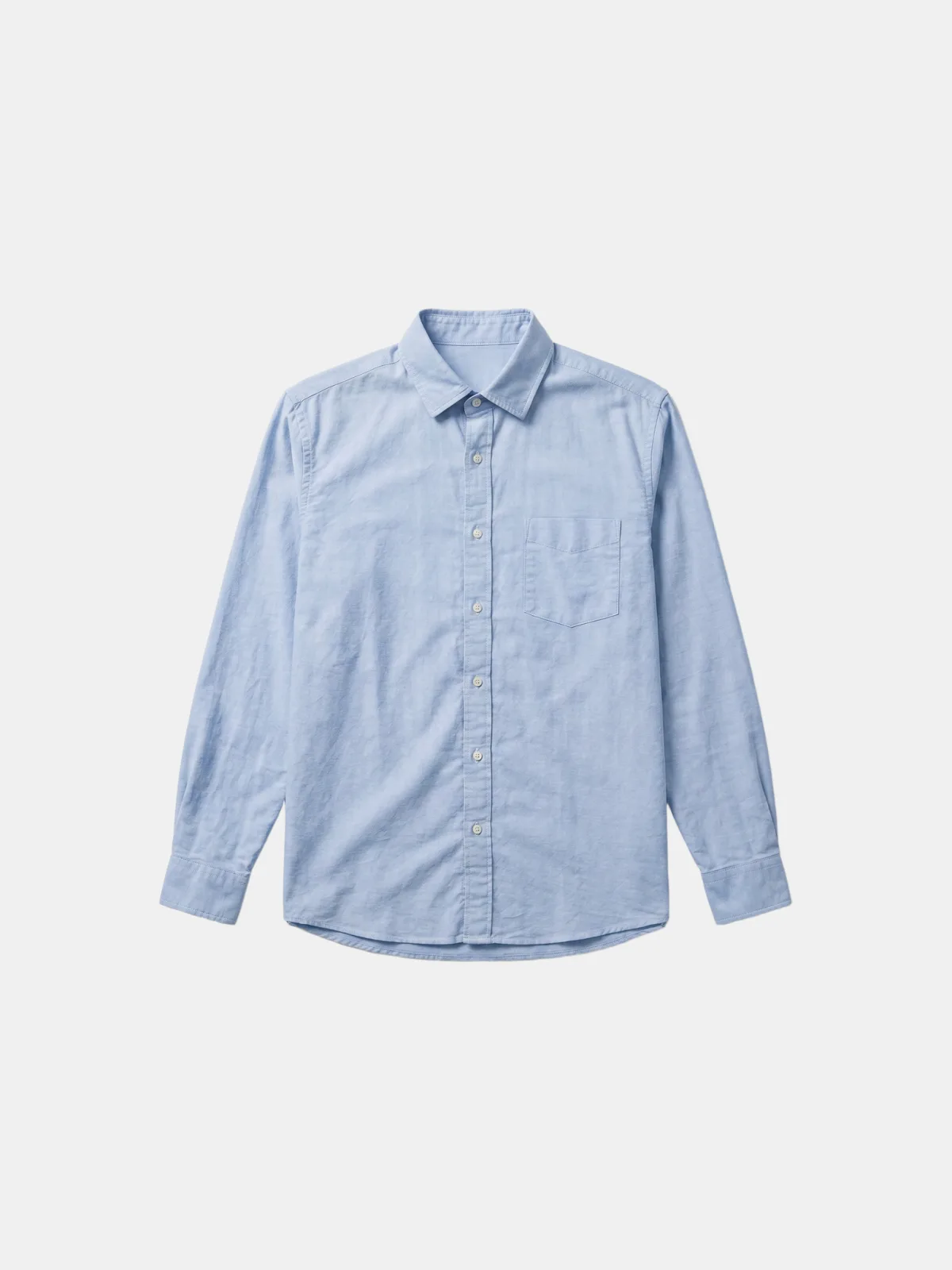
Your upload The original flat lay of a shirt sent to the Dreem node
Flat lay · Front
AI · Dreem AI-generated on-model shot of the same shirt
On-Model · Front
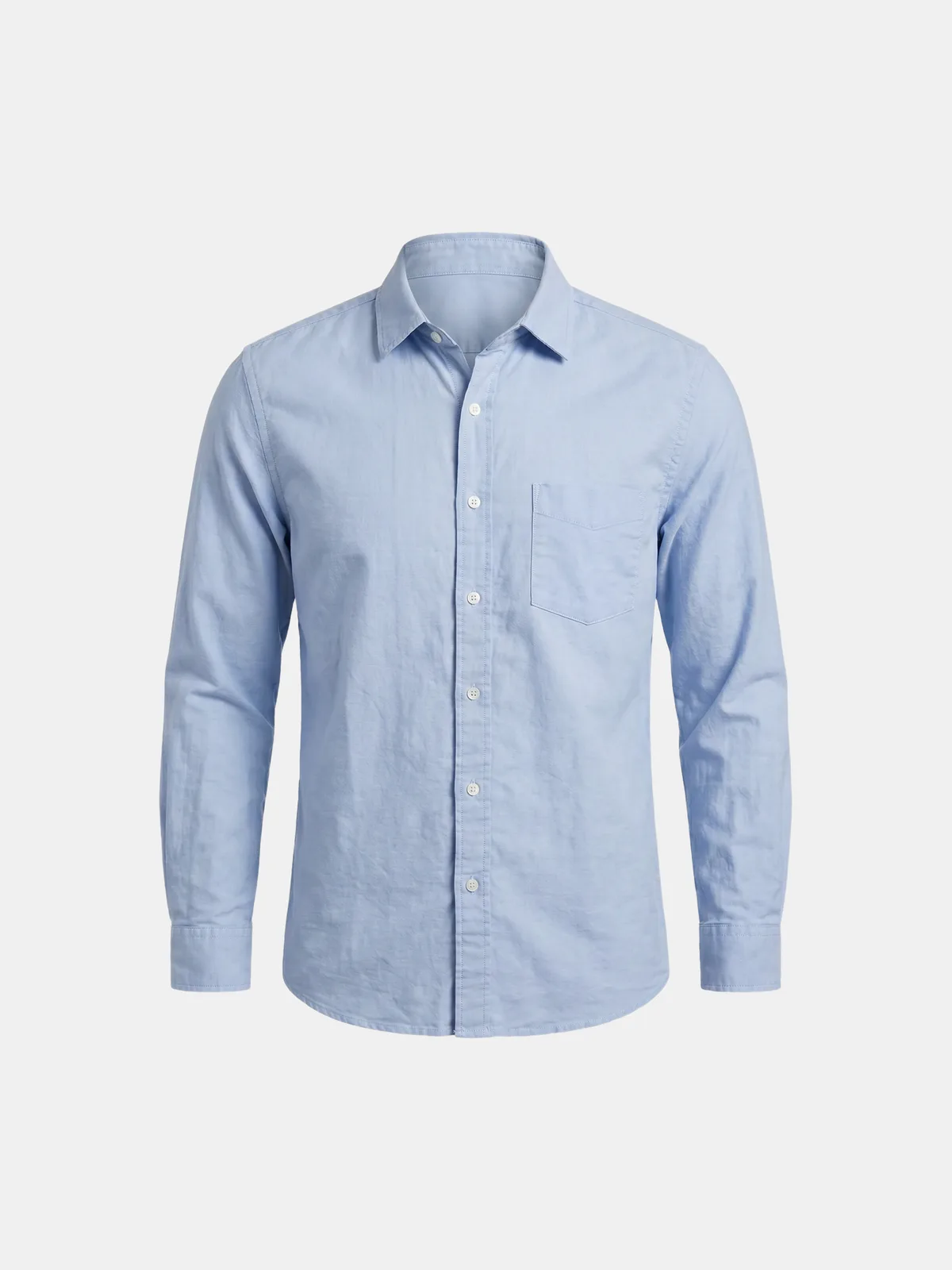
AI · Dreem AI-generated ghost-mannequin shot of the same shirt
Ghost mannequin
AI · Dreem AI-generated on-model shot of the same shirt, back view
On-Model · Back

Good to know

Frequently asked questions

Is there a Dreem node for n8n?
Yes. Dreem is a verified n8n node. You install it from the n8n node panel, add your Dreem API key as a credential, and start using it in any workflow.
What can the Dreem n8n node do?
It has seven actions. Generative content: generate model shots, generate product shots, and generate video from an image. Library lookups: get available shots, get available talents, and get video prompts. Tasks: get the status of a generation task so you can poll until it finishes.
Do I need an API key to use it?
Yes. Add your Dreem API key as an n8n credential once and the node authenticates every call in your workflows. On a self-hosted instance, an instance owner sets up the verified node first.
Is the Dreem node official and verified?
Yes. The node is published and maintained by Dreem and verified by n8n, so it shows a verified badge in the node panel.
How much does it cost?
The n8n node is free to install. Generating images and video uses credits on your Dreem subscription. See the pricing page for current plans.