AI Photoshoot Generator

A full product photoshoot from one image

Upload one product photo. Get packshots, on-model shots, and video — a complete content kit, without booking a studio, a model, or a shoot day.

Try it now — upload a product

Free to try · No card · You own every image

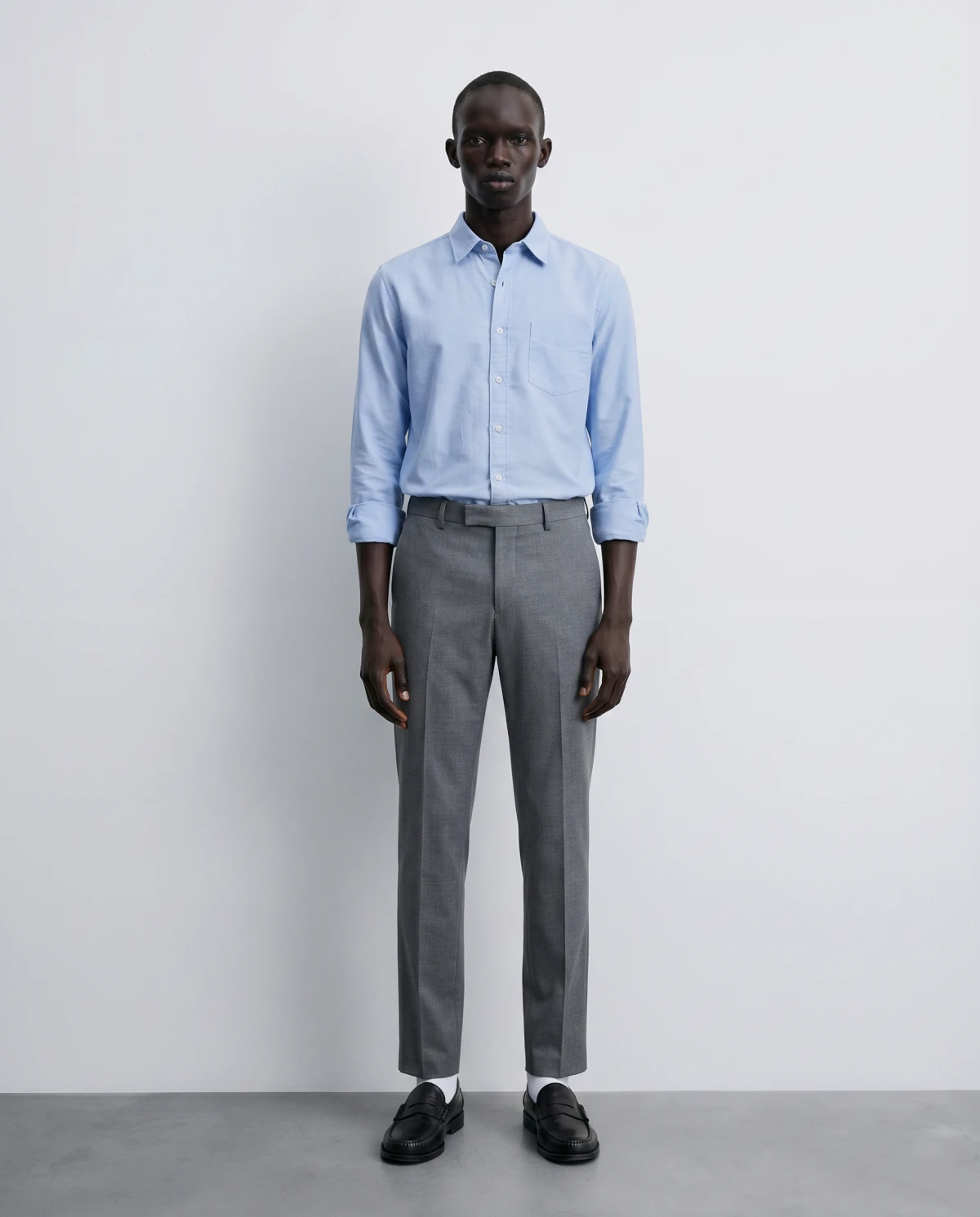
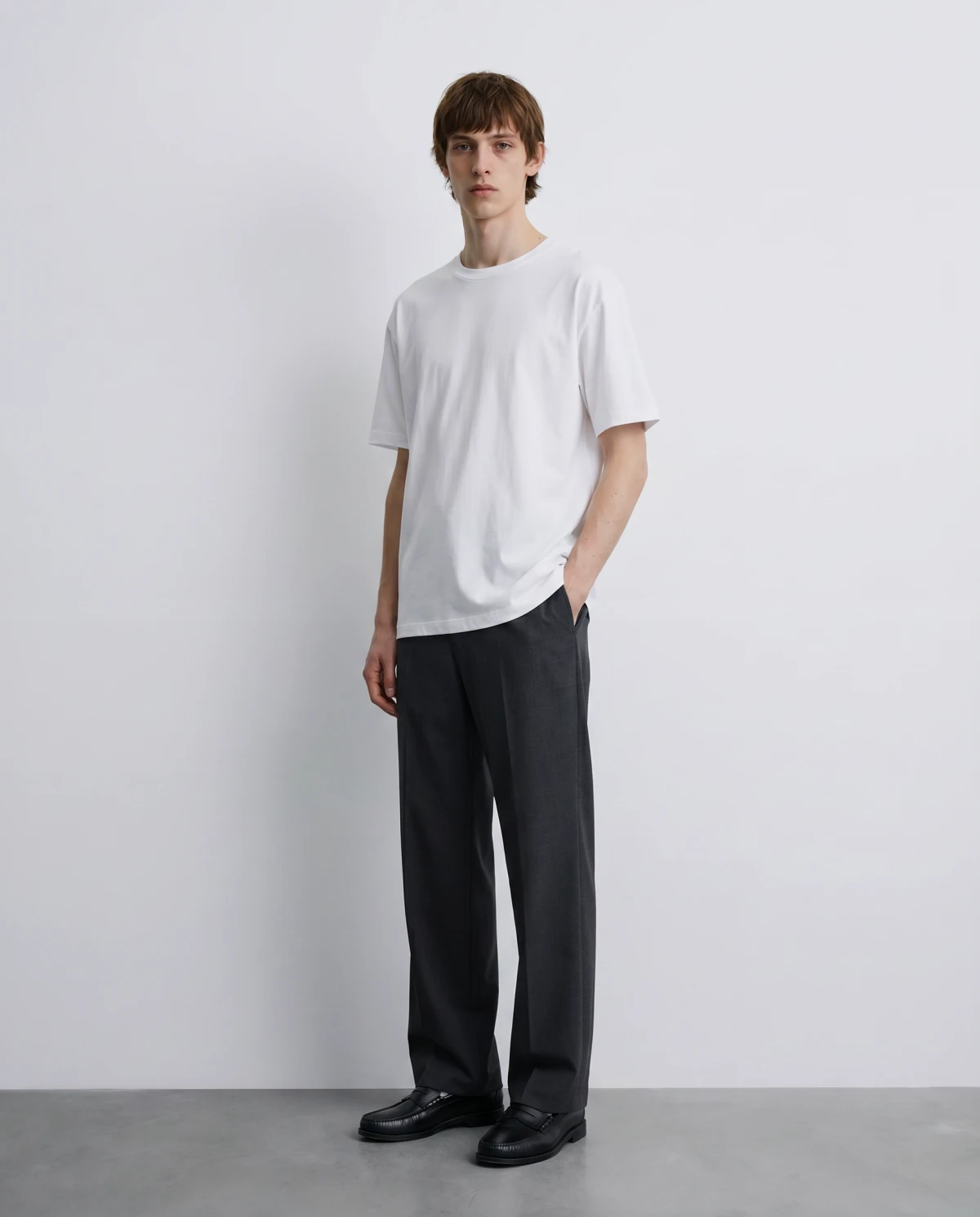
AI-generated on-model shot created by Dreem from a single product photo
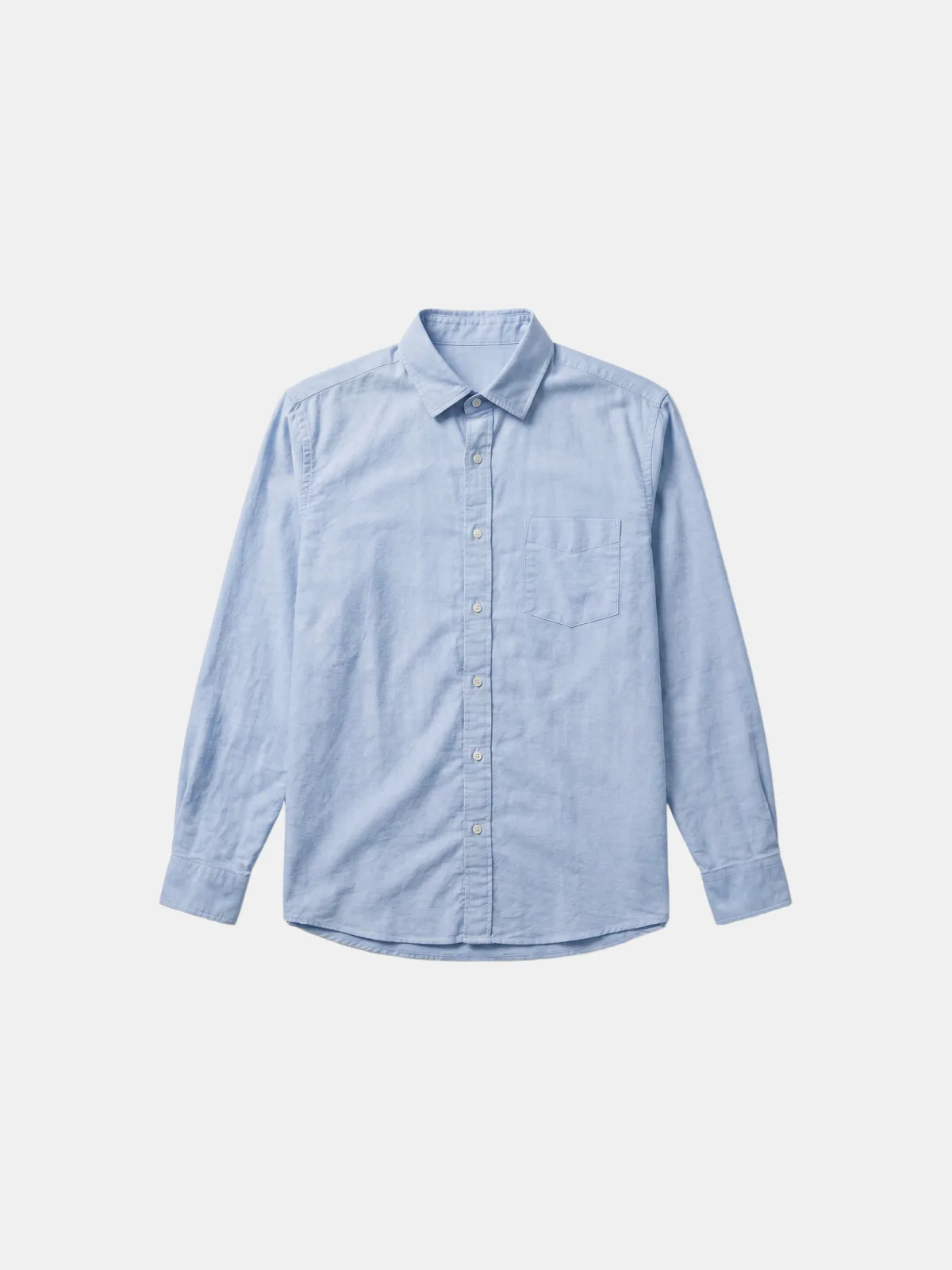
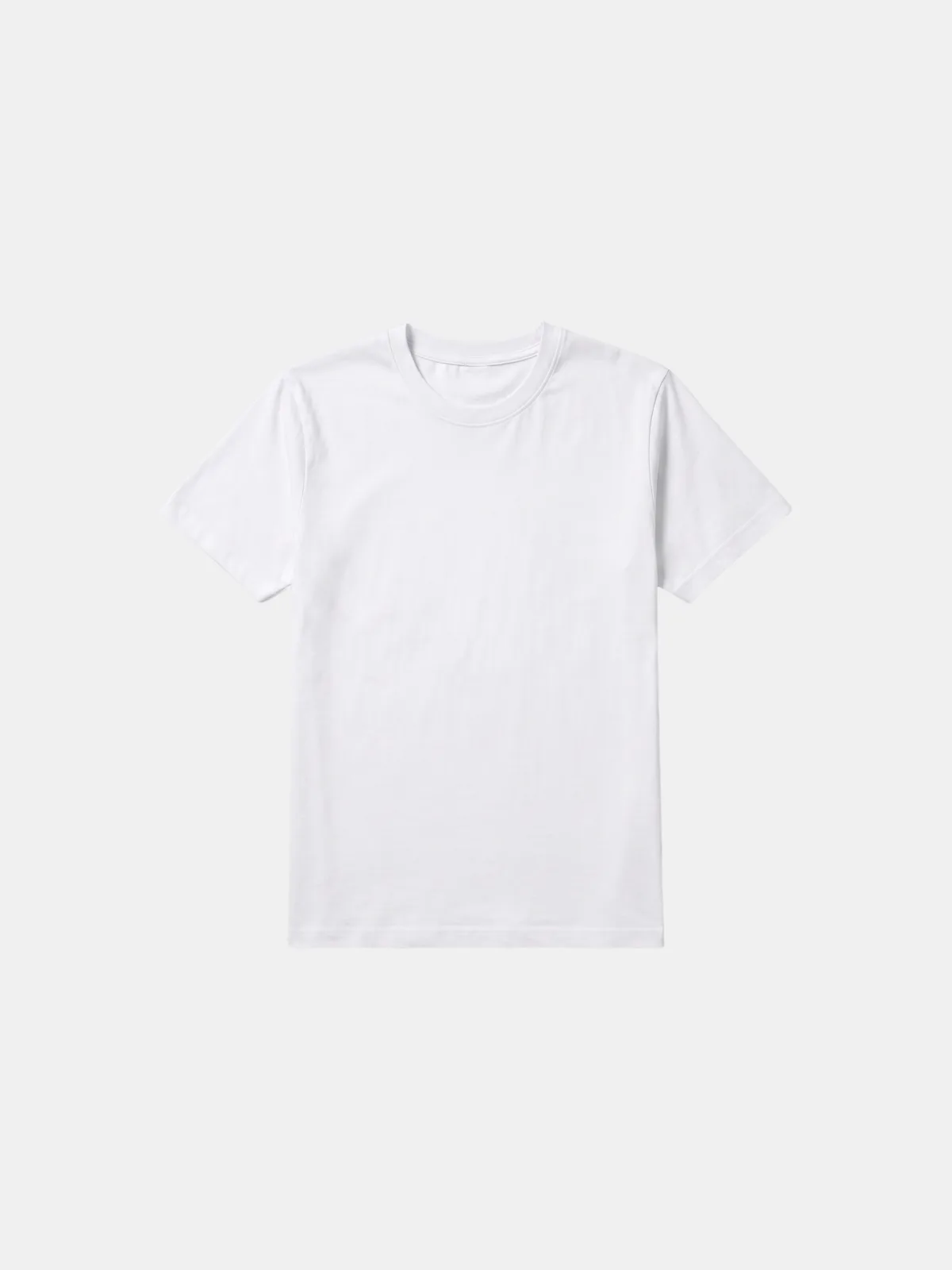
The original product photo used as the input
Real · Your product AI · Dreem ‹ ›
10× the content, zero extra shoot days
Same day from upload to a full content kit
100s of SKUs shot in an afternoon

How it works

One image to a full content kit in three steps

  1. 01
    The product photo you start with

    Upload your product image

    Start with one clean shot — a flat lay or a packshot of the product. That's the only input Dreem needs.

  2. 02
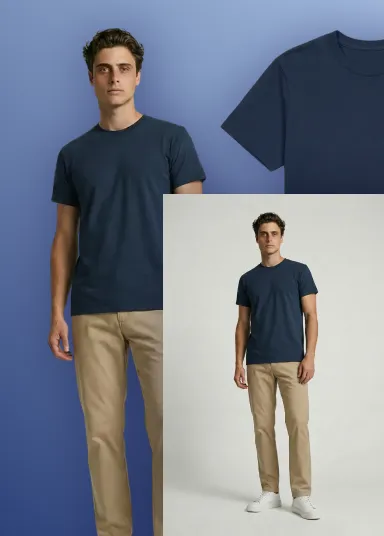
    The content kit Dreem generates from one product photo — packshot, on-model, and full-length

    Generate the kit

    Dreem produces packshots, on-model shots, and movement video from that single image — you pick the models, poses, and backdrops.

  3. 03
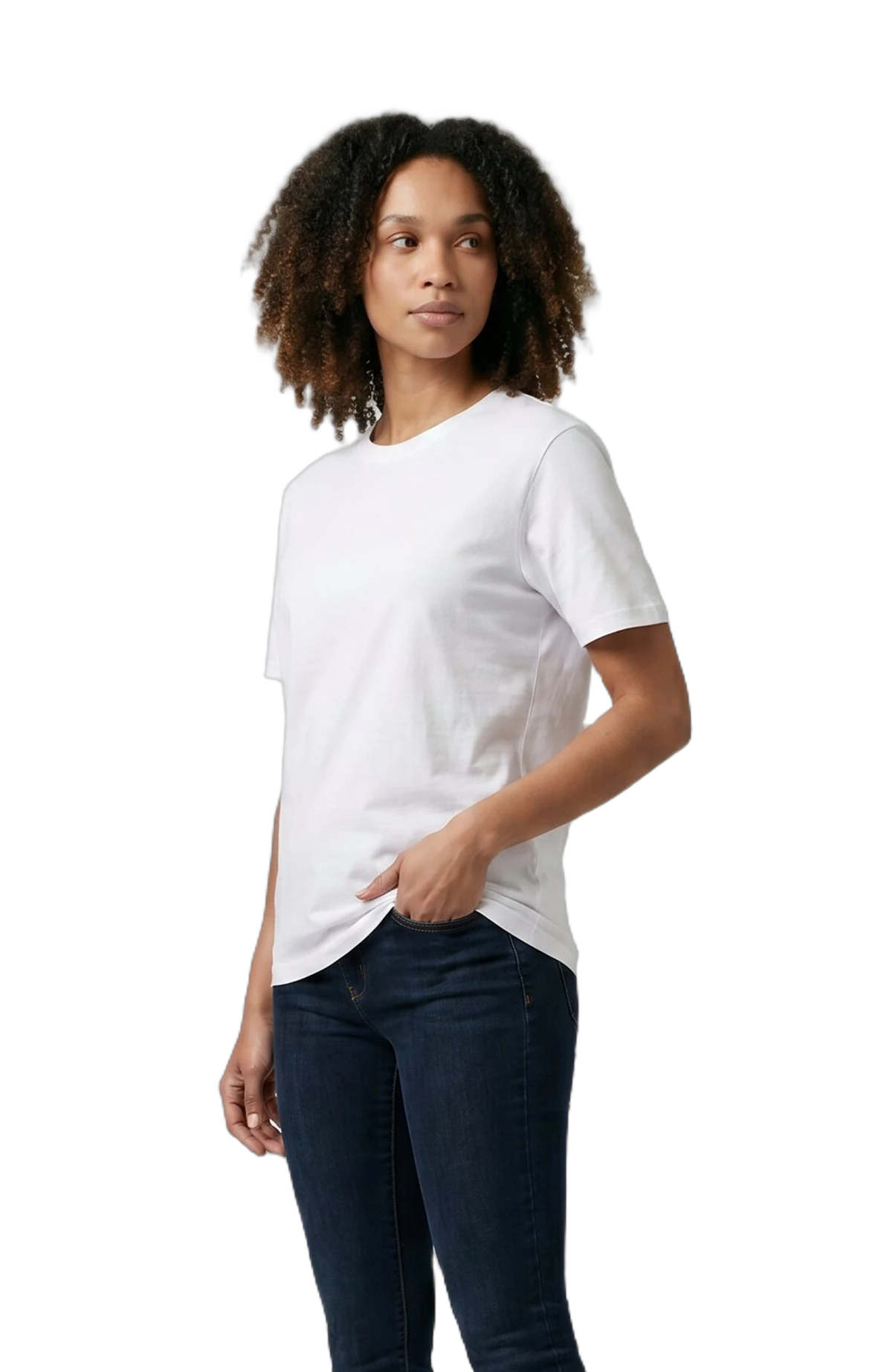
    A finished on-model shot ready to publish

    Review and publish

    Keep what works, regenerate the rest, and send finished assets straight to your store, marketplace, or ad. Minutes, not days.

One upload, full kit

Everything a product page needs, from one photo

Every tile below starts from the single product shot in the first tile — packshots, on-model shots, and movement video, all from one upload.

Your upload The original product photo uploaded to Dreem
Product · Front
AI · Dreem AI-generated packshot of the product
Packshot
AI · Dreem AI-generated on-model shot of the product, front view
On Model · Front
AI · Dreem AI-generated on-model shot of the product, back view
On Model · Back

The guide

What is an AI photoshoot generator?

An AI photoshoot generator turns a single product photo into a full set of commercial images — the kind you'd normally come back from a studio day with. Instead of booking a space, a model, and a photographer, you upload one shot of the product and Dreem generates the packshots, on-model images, and video your store needs. No samples to ship, no day on set.

For a lean ecommerce team, that's the difference between shooting your hero products and shooting your whole catalog. Every SKU can have the imagery that actually sells — not just the ones that earned a slot in the next shoot.

One image, a full content kit

From a single upload, Dreem builds the pieces a product page and an ad campaign run on:

  • Packshots — clean front and back product shots on a consistent background.
  • On-model shots — your product worn by AI fashion models across different bodies, poses, and backdrops.
  • Ghost mannequininvisible-mannequin images that show fit and structure with no model at all.
  • Movement video — short motion clips to bring the product page and social ads to life.

You direct the output, and the product itself stays faithful — Dreem preserves the cut, colour, and detail of what you uploaded.

AI photoshoot vs. a studio day

A studio day still has its place. The question is how much of your catalog can wait for one.

Studio day

When the shoot itself is the creative.

  • Flagship campaigns with a specific set, cast, and art direction
  • One-off hero moments worth the production
  • Slower and costlier — hard to repeat for every drop

Most teams keep the studio for the campaign and run everything else through Dreem — the long tail of products that never justified a booking.

What it nails — and what to check

Here's the honest version, because overselling helps no one.

Strong today

  • A consistent kit — packshots, on-model, and video that look like one brand
  • Range and speed, so a full catalog ships in a day, not a quarter
  • Faithful products — the cut, colour, and shape you uploaded

Still improving

  • Fine logo detail and intricate prints — review before publishing
  • Highly reflective or metallic trims
  • When that detail is the hero of the shot, give it a human check first

It also fits the tools you already use: drive Dreem from Claude with the Dreem MCP, or connect it to your store and pipeline through the Shopify app and Creative Force.
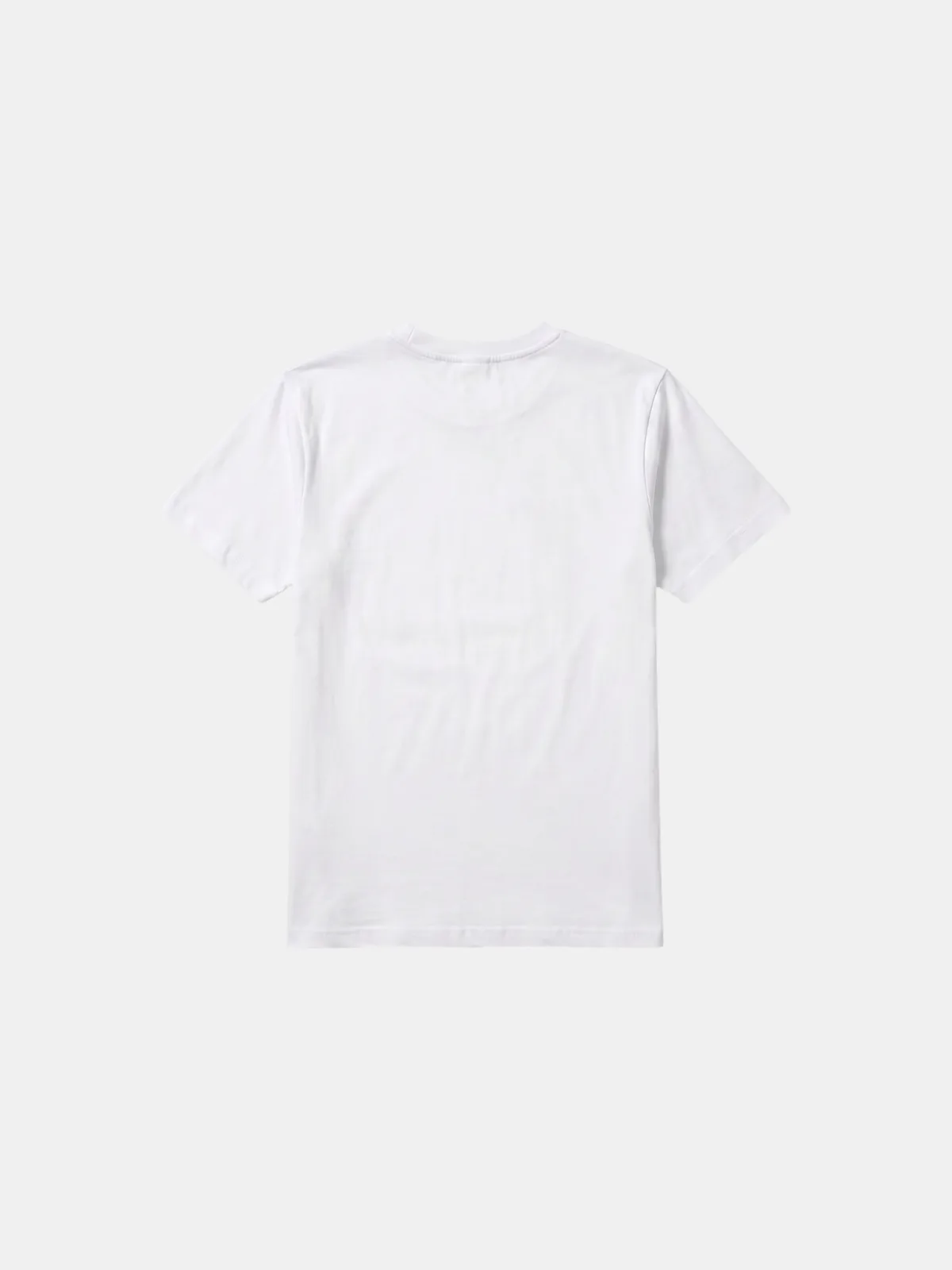
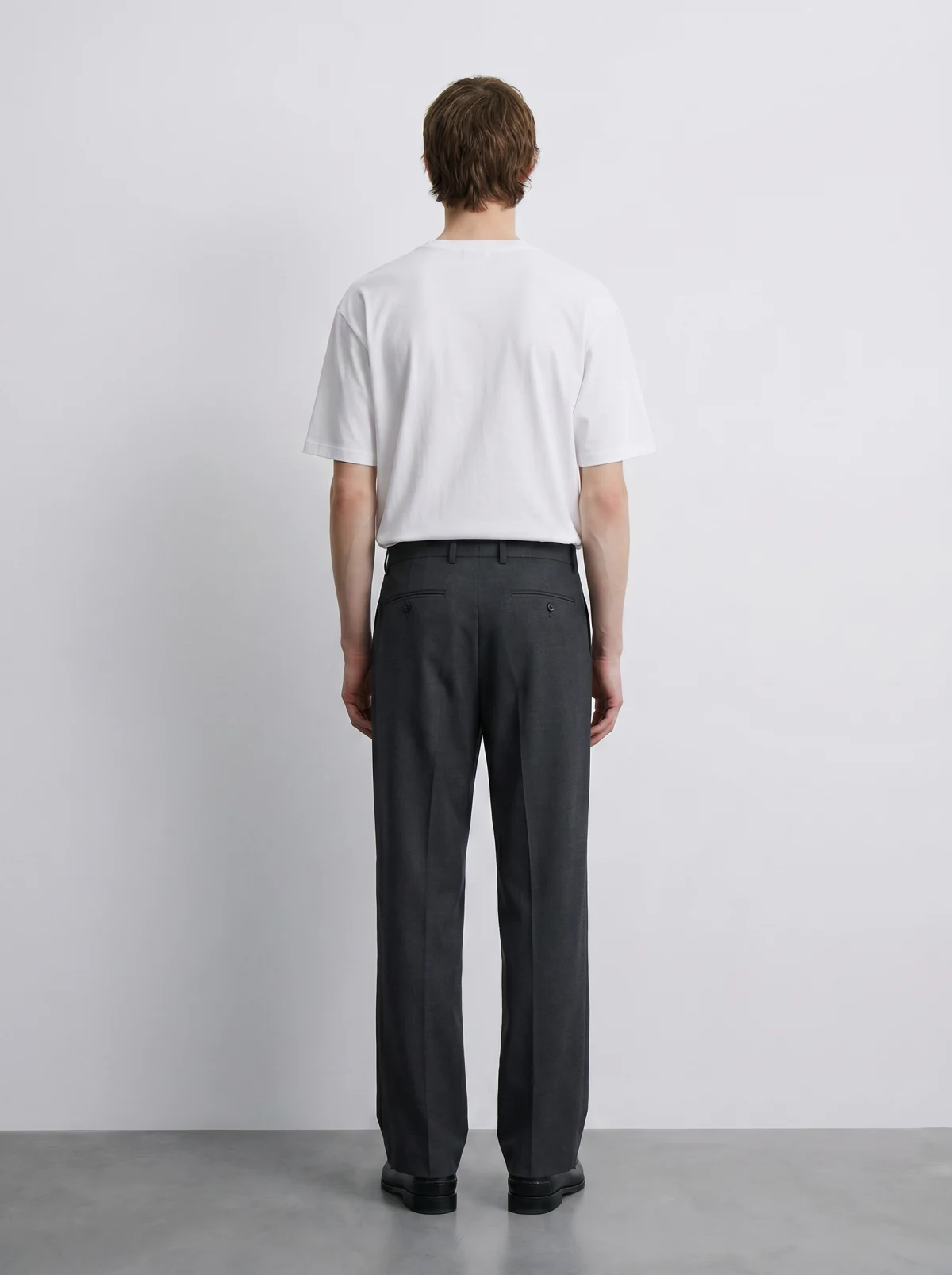
Where it earns its keep

Built for the shots stores actually need

Before · Flat lay A flat-lay of the product
After · On-model An AI on-model shot of the product
01

On-model, every SKU

Give every product a polished on-model shot from a flat lay — not just the hero pieces that earned a shoot.

Before · Product only A flat product packshot before any model
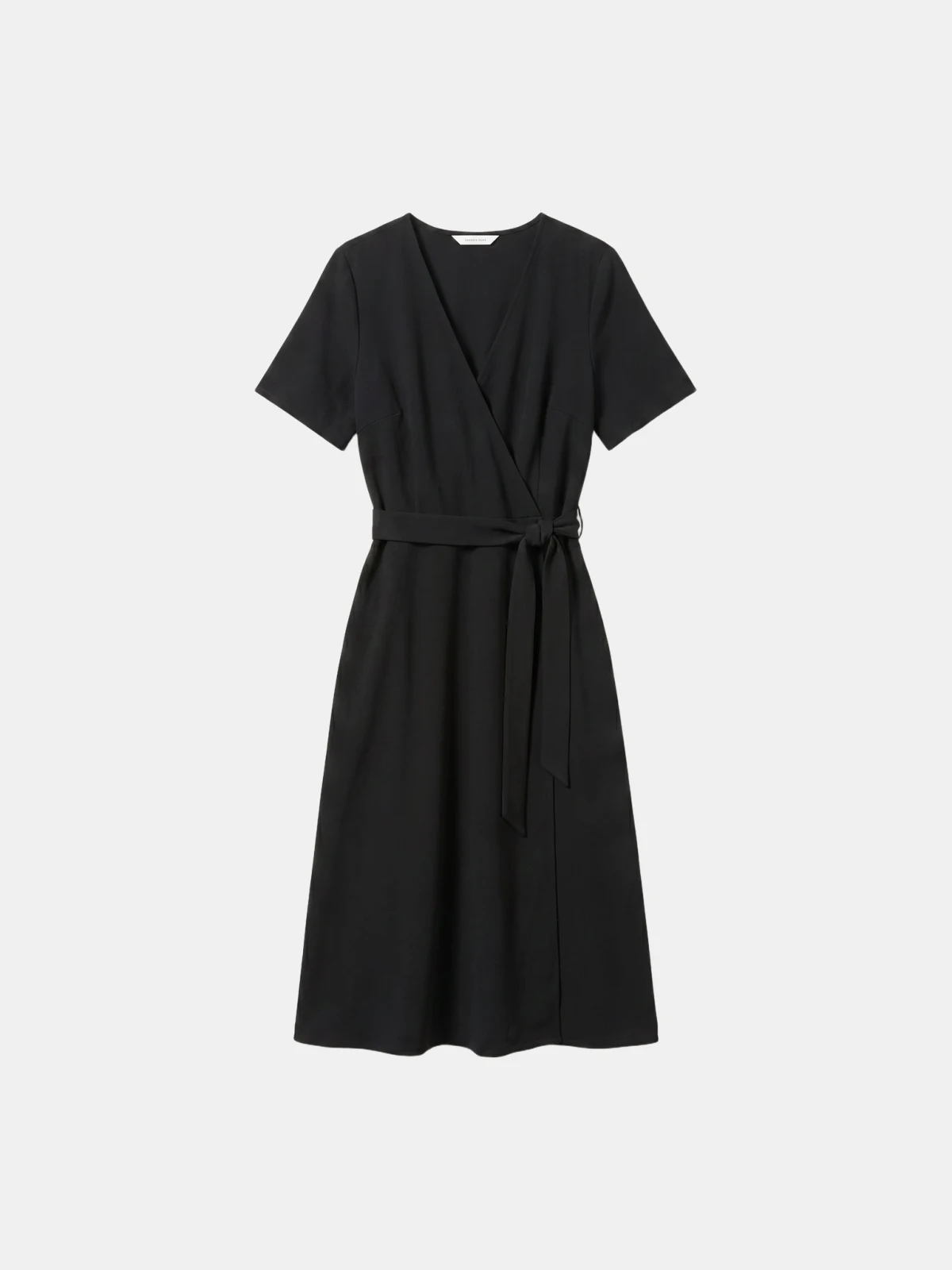
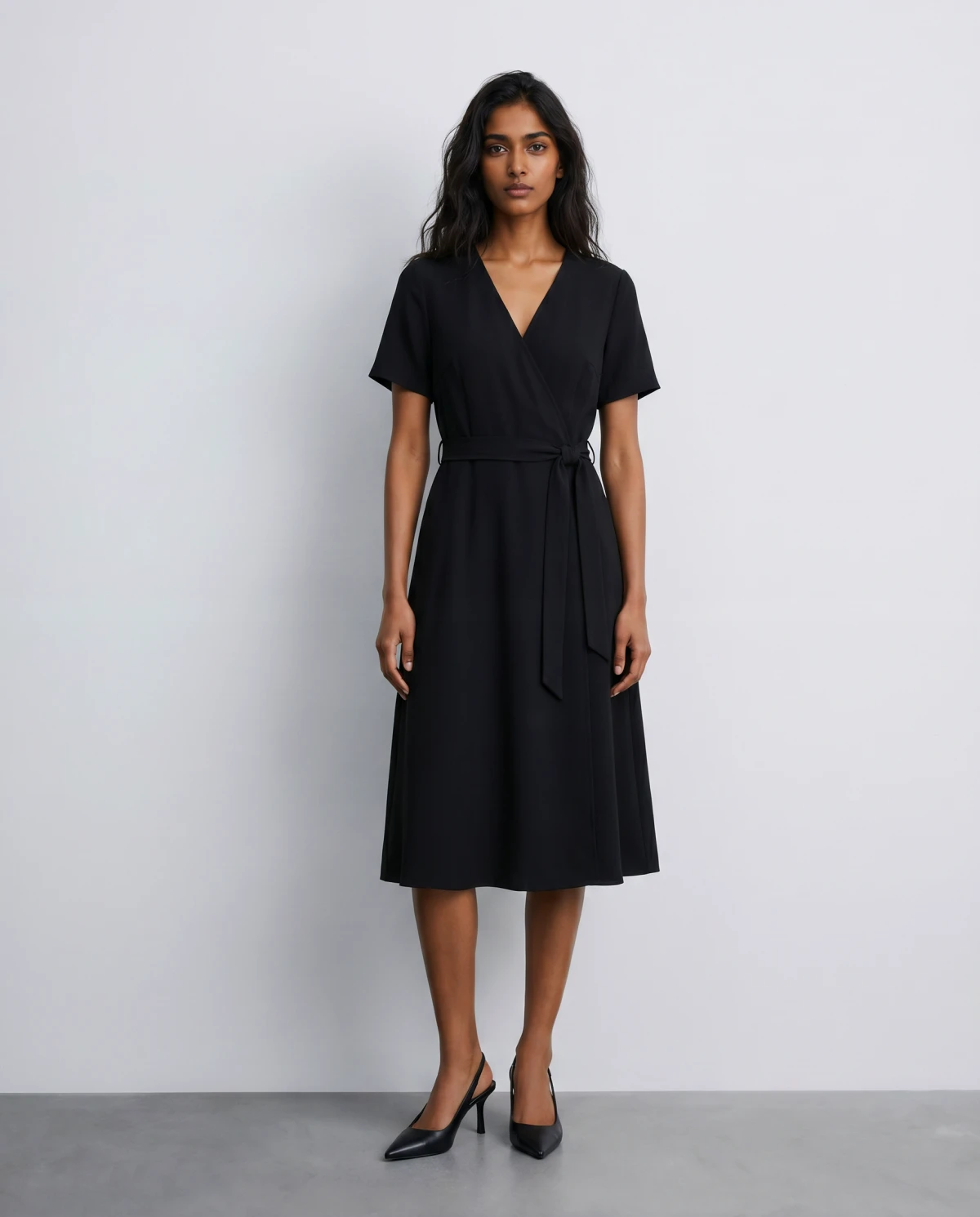
After · On model The same product as a finished AI on-model shot
02

Packshot to on-model

Turn the flat catalog shot you already have into a converting on-model image for the product page.

Before · Flat lay A flat-lay of the product
After · On-model An AI on-model shot of the product
03

Refresh carryover styles

Restyle returning products with new models and backdrops instead of reshooting them every season.

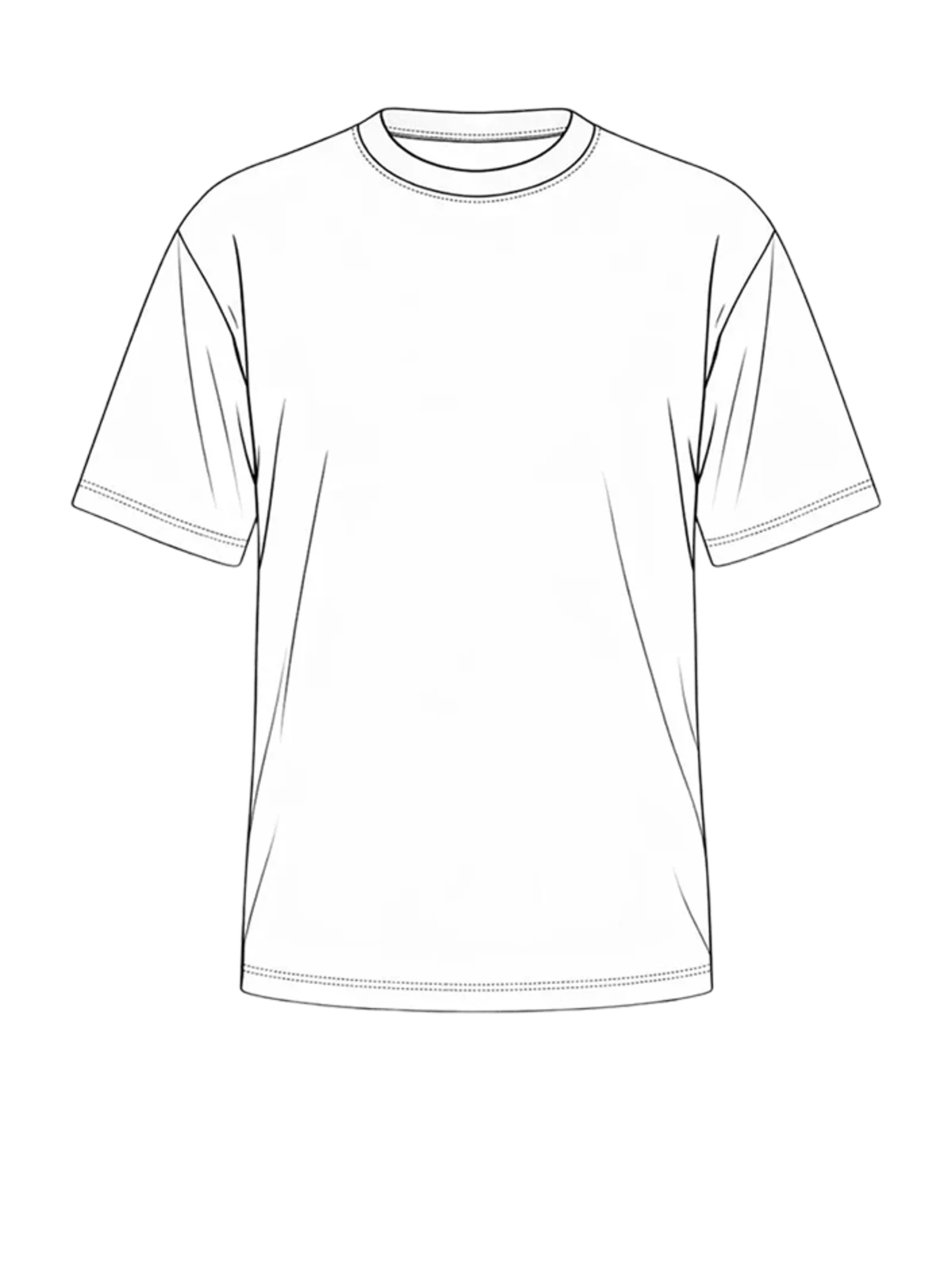
Before · Design file A tech-pack design-file drawing of the garment
After · AI on-model An AI-generated on-model shot created from the design file
04

Sell before the sample lands

Delayed or damaged samples don't stall the launch — generate the on-model shot from the design file.

No studio. No samples.
No shoot day.

Just the photoshoot, on demand.

Good to know

Frequently asked questions

What is an AI photoshoot generator?
An AI photoshoot generator turns a single product photo into a full set of commercial images — packshots, on-model shots, and video — without a studio, samples, or a shoot day. You upload one image and direct the output.
What can I generate from one product photo?
Front and back packshots, on-model shots across different bodies and poses, and movement video. It's a complete content kit from a single upload, built for ecommerce product pages and ads.
Will the output stay on-brand and accurate?
You direct the models, poses, and backdrops, so the look stays yours. Dreem preserves the detail of the product you upload; for fine logos or reflective trims, review before publishing.
Does it fit my existing workflow?
Yes. Use it in the browser, drive it from Claude through the Dreem MCP, or connect it to your Shopify store and Creative Force pipeline.
Who owns the images I generate?
You do. Every image generated on your workspace is yours to use — no watermarks, no licensing layer, no usage restrictions.