Shopify App

AI product photos, built into Shopify

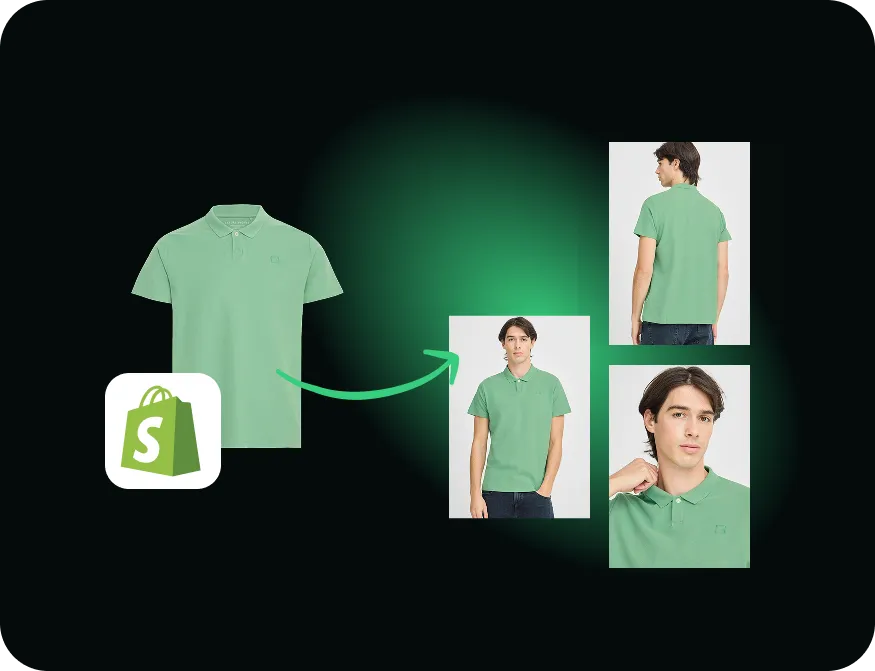
Install the Dreem app, connect your catalog, and turn a single product photo into on-model shots, ghost-mannequin images, and packshots — then publish them to the listing after a quick review. No studio, no reshoot.

Available on the Shopify App Store · Free to try · No card

One product photo turned into multiple on-model shots, ready to sync into Shopify
~$3 per image, not $50–$200
Minutes from product to published shot
No reshoots for restocks & new colorways

Dreem fills out every product page.
Shopify stays your one storefront.
More shots per SKU. No studio. One workflow.

Shopify
Reject
Source photo

Flat-lay or packshot

What you upload

Catalog

Products & variants

Generate

On-model, ghost, packshot

Dreem

Review

Approve in staging

Publish

Live product pages

Bulk import

CSV & feeds

One illustrative flow — Dreem fits the Shopify workflow you already run, from catalog to live listing. Nothing publishes without your review.

The integration

What the Dreem Shopify app does

Every apparel store on Shopify faces the same bottleneck: good product photography is slow and expensive. A studio day, a stylist, a retoucher — for every drop, every restock, every new colorway. The Dreem app moves that work inside Shopify. It reads the product photo you already have and generates the shots a listing needs: an on-model image that shows fit, a ghost-mannequin shot that shows shape, a clean packshot for the grid.

Because it connects to your catalog, you're never re-uploading or re-keying SKUs. You pick a product, generate, review, and publish — and the image lands on the right listing.

Who it's for

Shopify merchants selling apparel and wearables who need consistent, on-brand product images at the pace the catalog actually moves — without booking a shoot for every new style. It's especially useful for restocks and colorways, where the garment is known and you just need the matching shot.

What it's good at — and what to know

Strong today

  • Works from the catalog you already have in Shopify
  • On-model, ghost-mannequin, and packshot images from one photo
  • A review step before anything publishes — you stay in control

Good to know

  • Built for apparel and wearables — things people wear
  • Needs a Dreem account; generations use your plan's credits
  • Fine logo detail and metallic surfaces still warrant a quick review
Get started

Connect your store in four steps

  1. 01
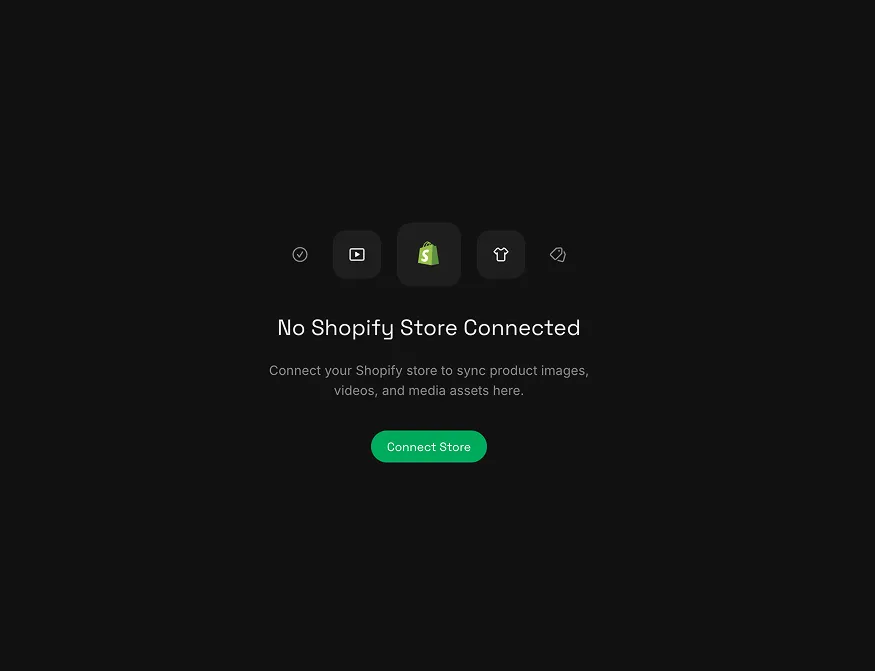
    The Dreem app connect screen with a Connect Store button

    Connect your store

    In Dreem, open the Shopify panel and choose Connect Store.

  2. 02
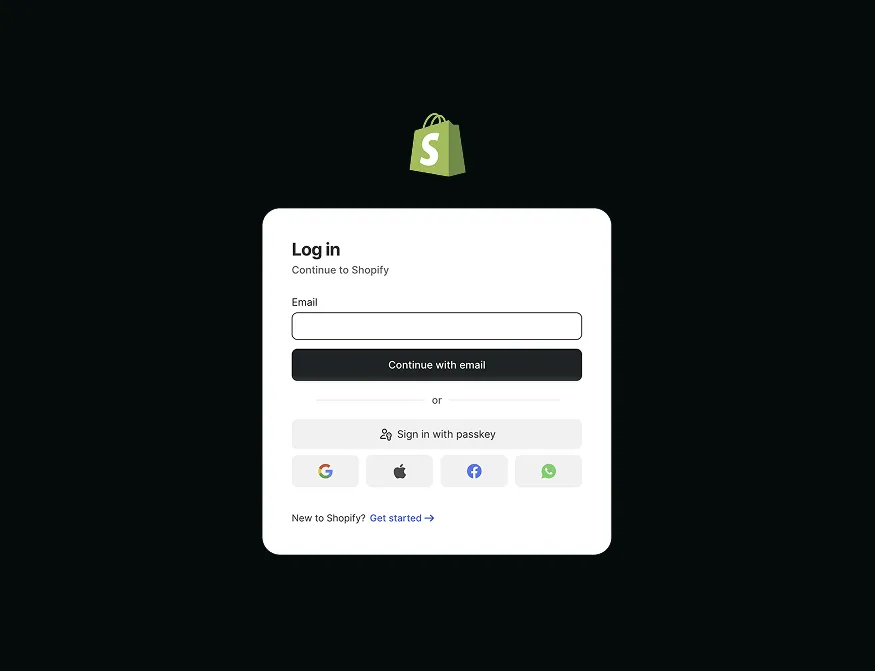
    The Shopify login screen authorising the Dreem app

    Authorise Shopify

    Log in to Shopify and approve access — a standard, secure OAuth handshake.

  3. 03
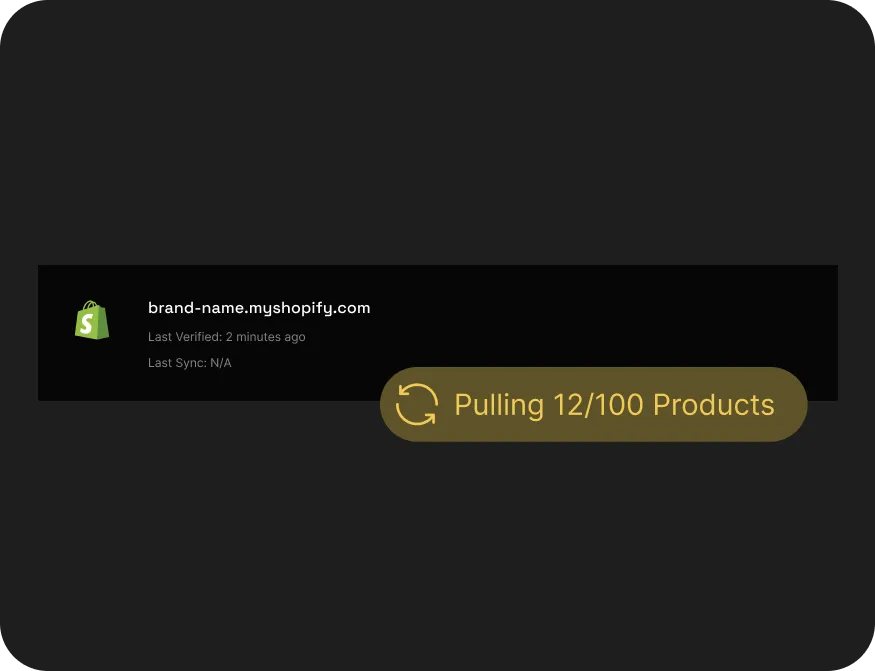
    Your Shopify catalog synced into Dreem

    Sync your catalog

    Your products and variants flow into Dreem — no re-uploading or re-keying SKUs.

  4. 04
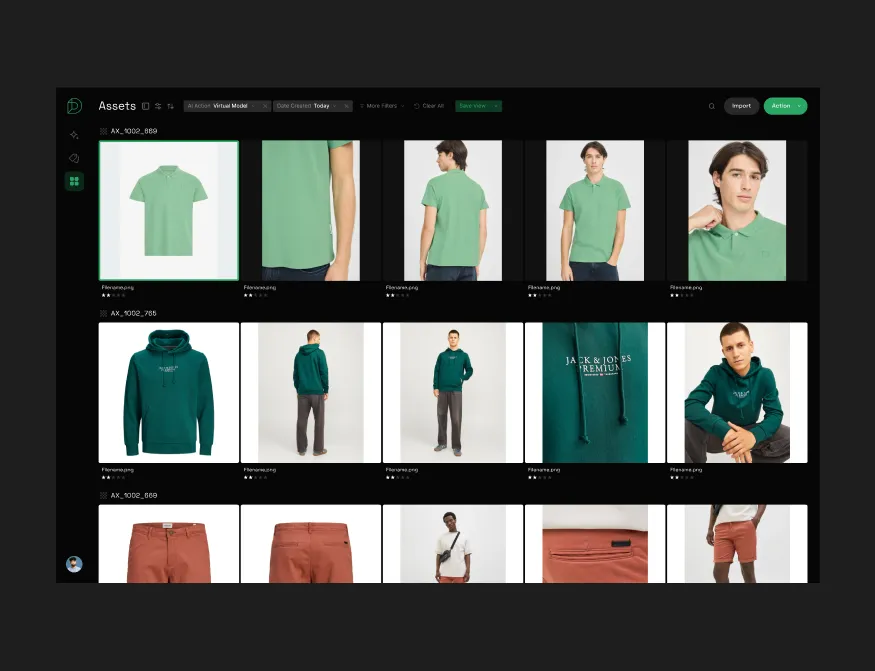
    The Dreem asset library of generated product images ready to publish

    Generate & publish

    Generate on-model, ghost-mannequin, and packshot images, then publish to the right listing.

What you'll publish

One product photo, a full set of listing shots

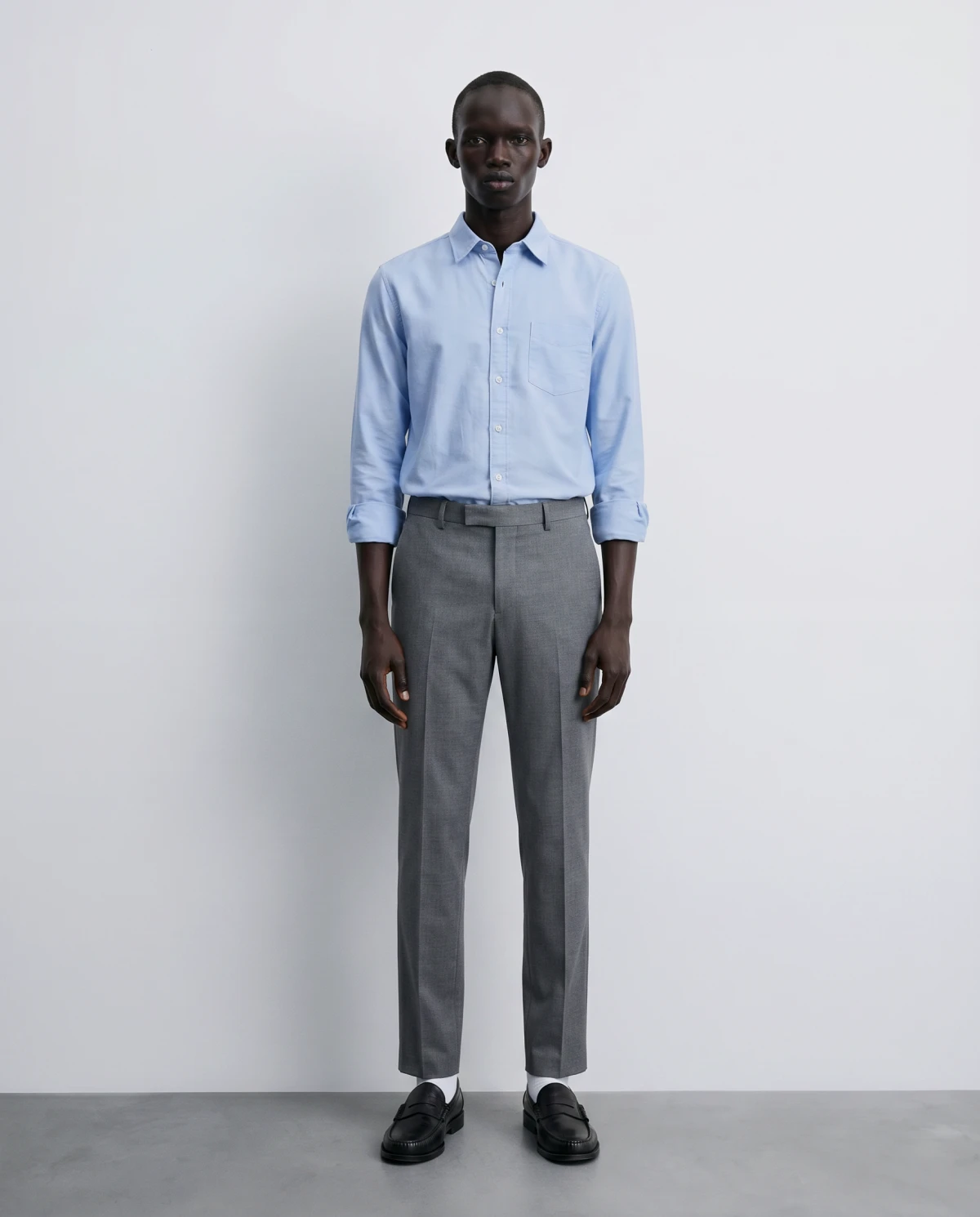
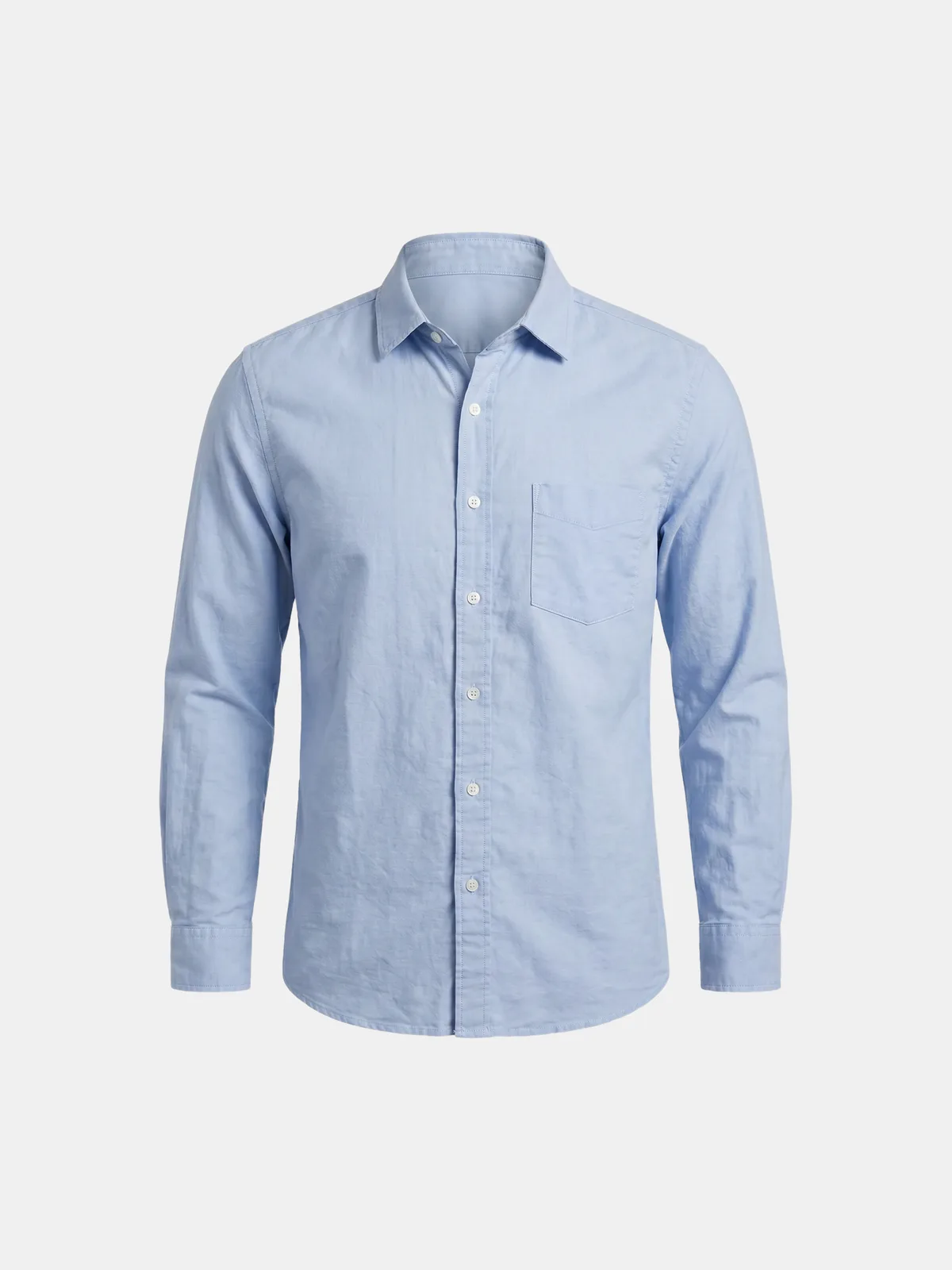
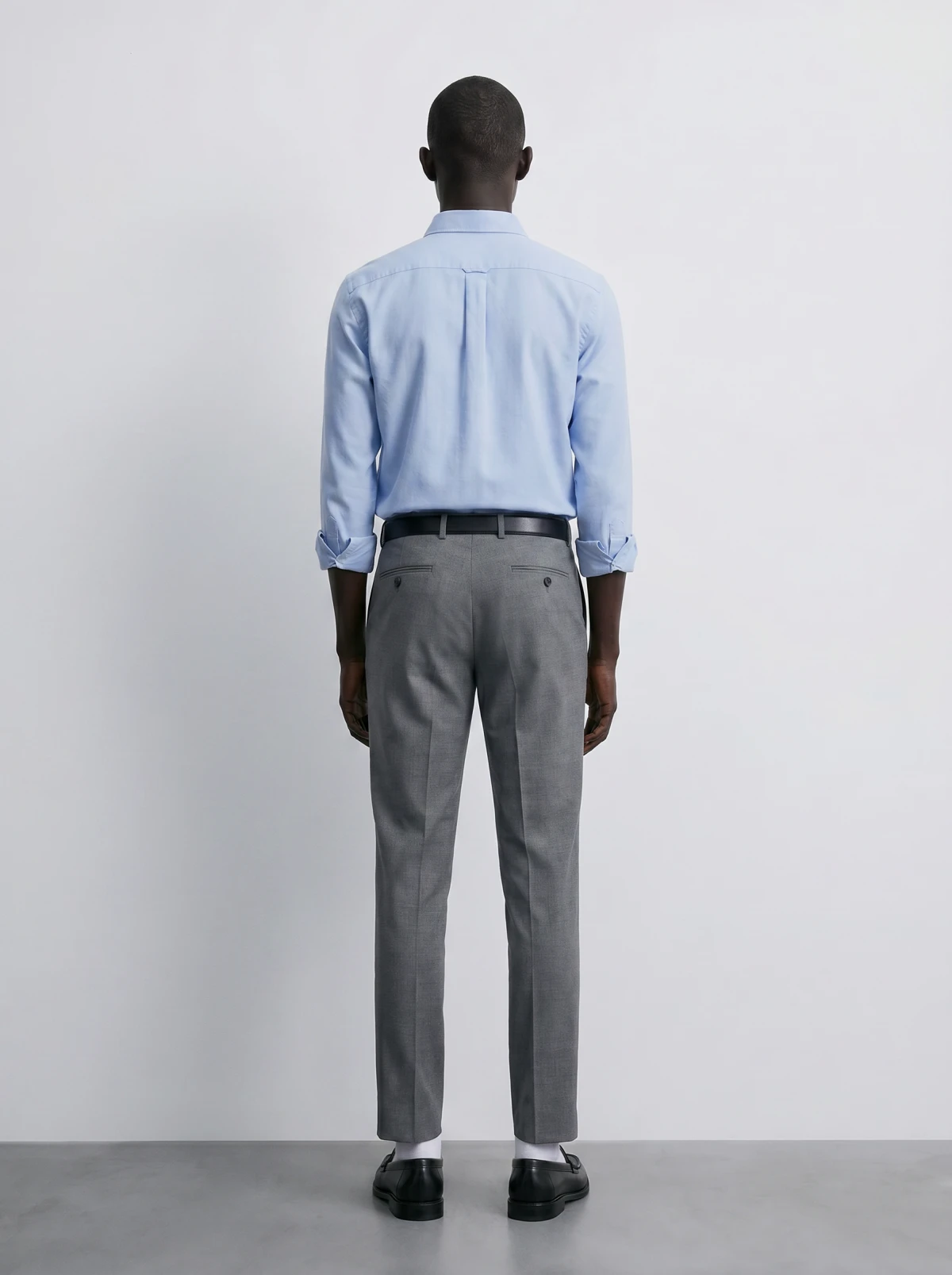
Every tile is a genuine Dreem output generated from a single flat photo — the kind of image the app publishes to your listings.

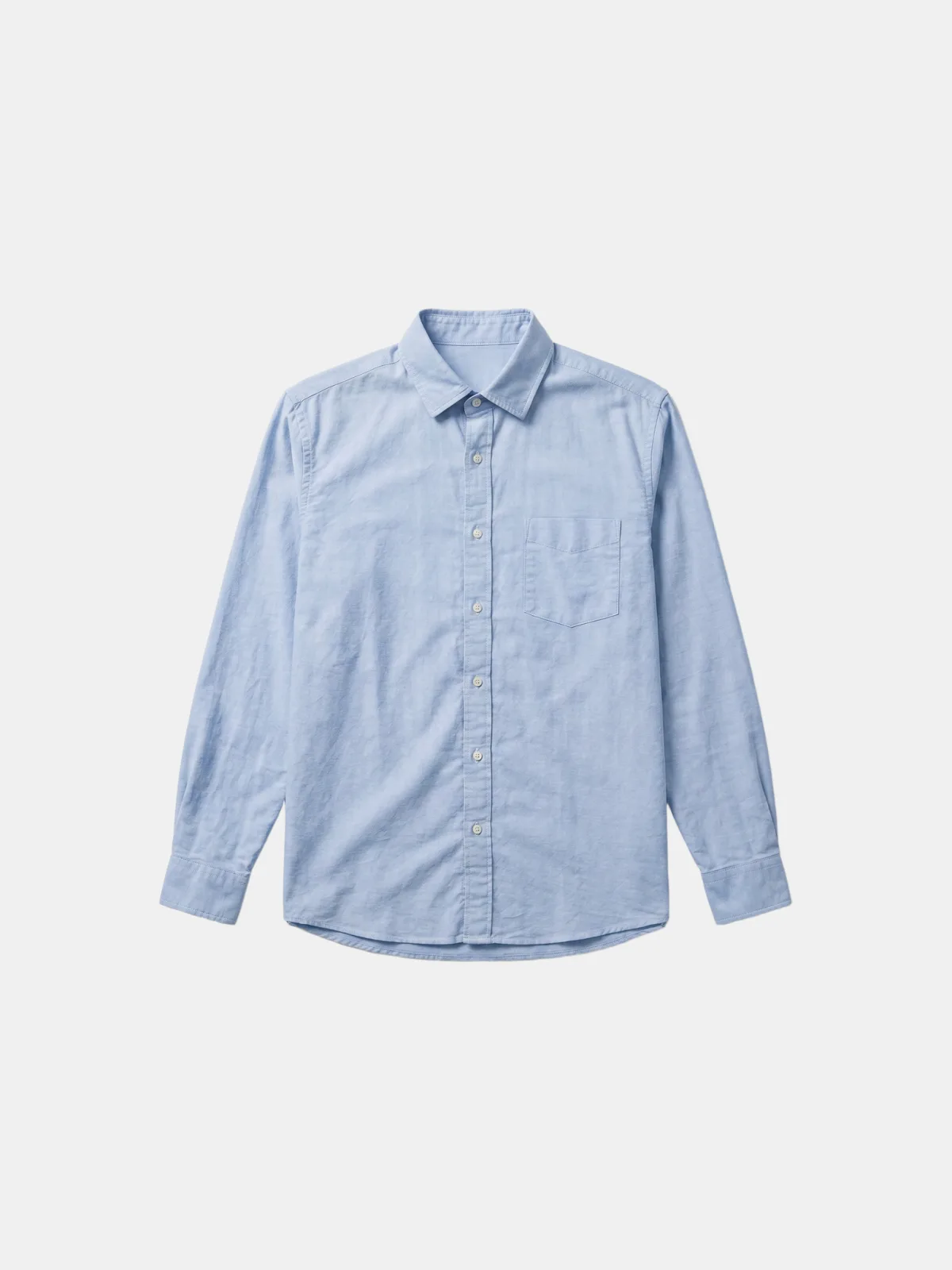
Your upload The original flat lay of a shirt uploaded to Dreem
Flat lay · Front
AI · Dreem AI-generated on-model shot of the same shirt
On-Model · Front
AI · Dreem AI-generated ghost-mannequin shot of the same shirt
Ghost mannequin
AI · Dreem AI-generated on-model shot of the same shirt, back view
On-Model · Back

Good to know

Frequently asked questions

Is there a Dreem app for Shopify?
Yes. The Dreem app is available on the Shopify App Store. You install it on your store, and it connects to your product catalog so you can generate images from the products you already have.
What does the Dreem Shopify app do?
It turns a single product photo into on-model shots, ghost-mannequin (invisible mannequin) images, and clean packshots — then lets you publish them to the matching product listing, all without a studio or reshoot.
Does it publish images to my store automatically?
No. Generated images stay in a review step first. You approve each one before it's published to a listing, so nothing reaches your storefront without a human signing off.
What products does it work best on?
Apparel and wearables — tops, knits, hoodies, jackets, and similar items where fit and structure matter. Dreem is built specifically for product photography of things people wear.
How much does the Shopify app cost?
You can try Dreem for free. Generating images runs on credit-based usage on a Dreem subscription. See the pricing page for current plans.