Dreem Content Studio · Claude plugin

Turn Claude into
your content studio

A free plugin that teaches Claude how to run fashion-ecommerce imagery with Dreem. Audit your catalog, then generate product shots, on-model looks, and video from a single photo — all in chat, with a cost preview before anything is spent.

Free plugin · Free store audit · 100 credits/month on the free plan

Install

Installed and auditing in five minutes

  1. 01
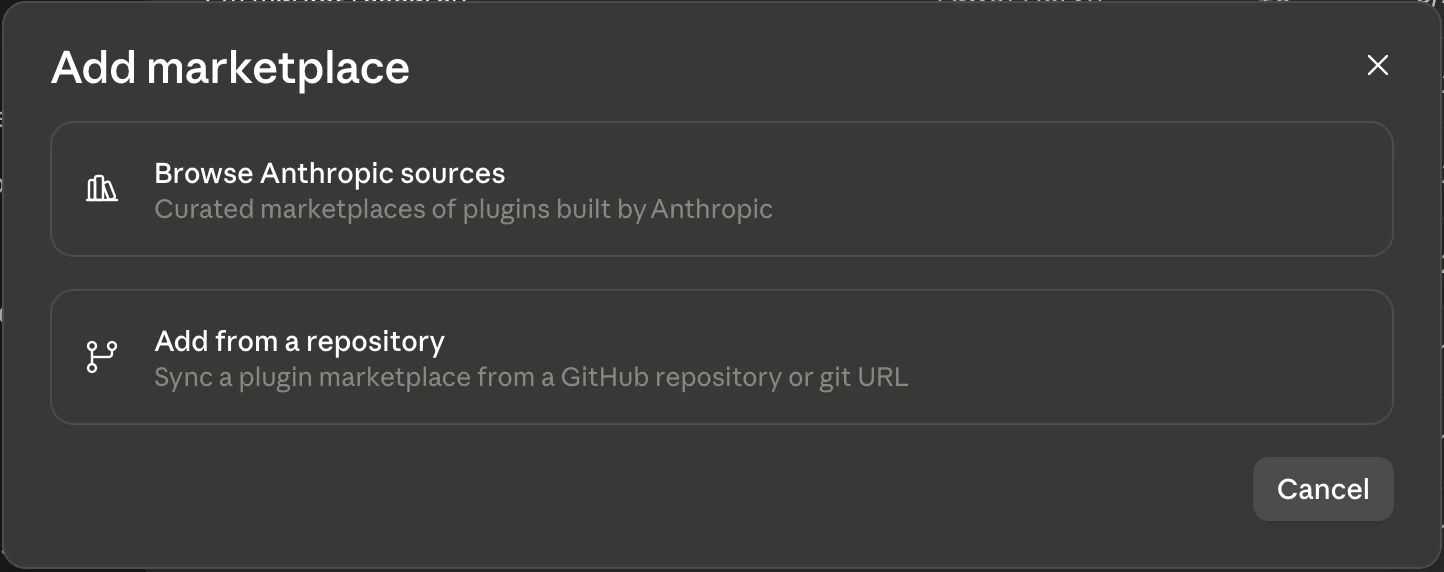
    Claude's Add marketplace dialog with the Add from a repository option

    Open the plugin marketplace

    In Claude, open Customize → Plugins, click Add, and choose Add from a repository.

  2. 02
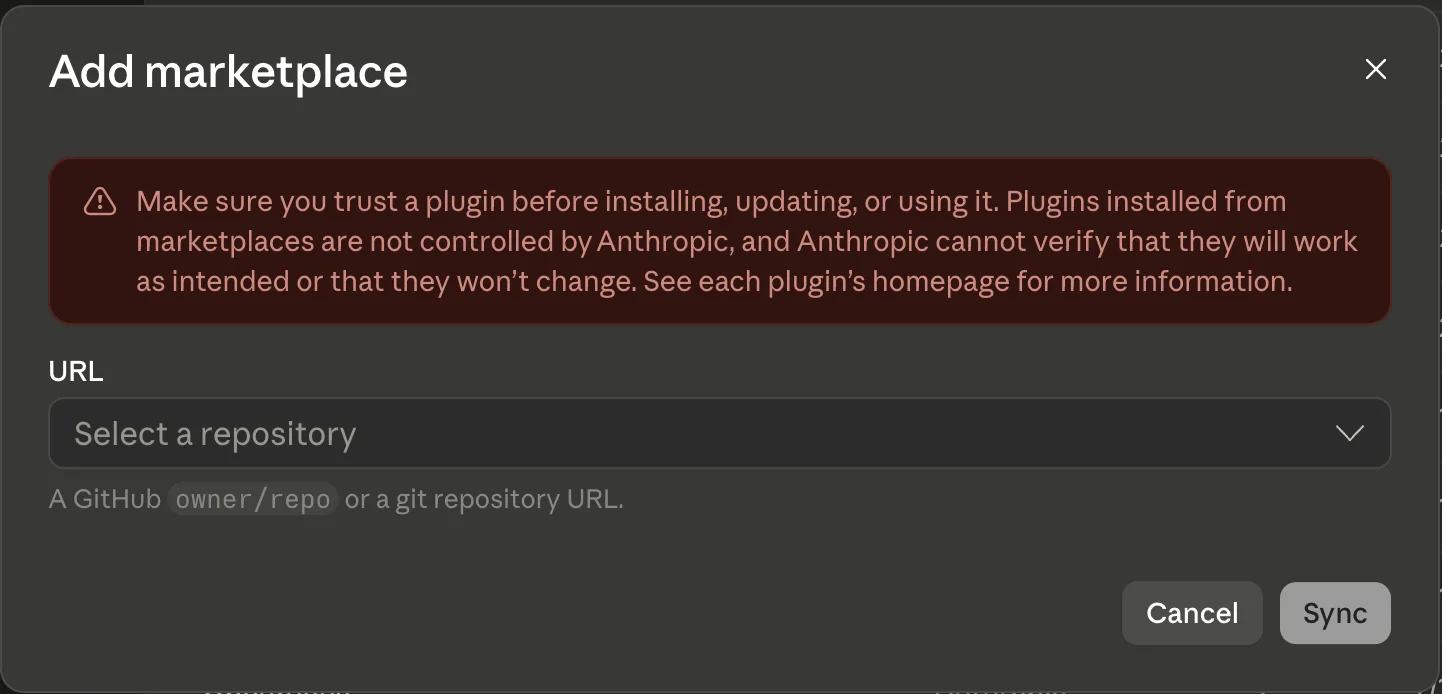
    Claude's Add marketplace dialog with the URL field where the Dreem repository is pasted

    Sync the Dreem repo

    Paste dreem-ai/dreem-for-claude as the URL, click Sync, and install Dreem Content Studio.

  3. 03

    Connect your Dreem account

    The plugin registers the Dreem connector for you — approve the Connect to Dreem prompt and log in. It's OAuth, so there are no API keys to paste. A free account works.

  4. 04

    Run the free audit

    Say "Audit my store: mystore.com". Claude reads your public store and scores where imagery is missing — single-photo listings, no on-model shots, no video. No credits, no store login.

Prefer the terminal? In Claude Code: /plugin marketplace add dreem-ai/dreem-for-claude, then /plugin install dreem-content@dreem.

How it works

One photo in. A finished catalog out. All in one chat.

  1. 01

    Analyze your store (or skip straight to a photo)

    Paste your Shopify URL and Claude scores the whole catalog and finds content gaps. Or start with a single image if you already know what you need.

  2. 02

    Find the content gaps

    No on-model shot, single-image listing, zero video — Claude flags it product by product. Not “your photos could be better,” but exactly what's missing and where.

  3. 03

    Get suggestions for talent, pose and style — or set them yourself

    Ask for a look and Claude suggests a virtual talent, pose and style that fits the product. Or skip the suggestion and describe exactly what you want instead.

  4. 04

    Get the output

    One cost preview, one approval. Product shots, on-model imagery and video land straight in your Dreem library.

  5. 05

    QA built in

    Wrong pose, off garment, styling that doesn't match — Claude checks before you see the result. What lands in your library is usable, not a coin flip.

  6. 06

    Go to next

    No restart, no re-explaining the store. Claude carries the context, so the next product takes one message.

No manual to learn

What to say once it's installed

Audit my store: mystore.com

A scored gap report — missing on-model shots, single-image listings, no video. Pick a category, get a fix list.

Free

Make product shots of this photo for Amazon

Marketplace-ready stills — flat lay, mannequin, side and detail views.

~6–10 credits per image

Put this dress on a model in her 40s

Your garment on one of 400+ virtual talents — it asks how to style her and suggests the look.

~9–14 credits per shot

Make a 5-second video of this on-model shot

Product video ready for your listing or social.

2 credits per second

Full content kit for this product

Product shots + on-model + video, planned as one kit — one cost preview, one approval.

Priced per kit

3 new products go live Thursday — get them launch-ready

A launch set per product, planned backwards from the date. One approval for the whole drop.

Priced per drop

Make this shot work everywhere

One finished shot recomposed for listing, marketplace, Stories, feed, and email — never cropped.

~6–11 credits per format

Restyle the catalog for fall

Existing on-model imagery rethemed for the season — same garments, new mood.

~9–14 credits per shot

Show this dress on every body type

Your on-model look extended across sizes, ages, or genders — styling carried over.

~9–14 credits per shot

What comes back

The shots Claude ships from one photo

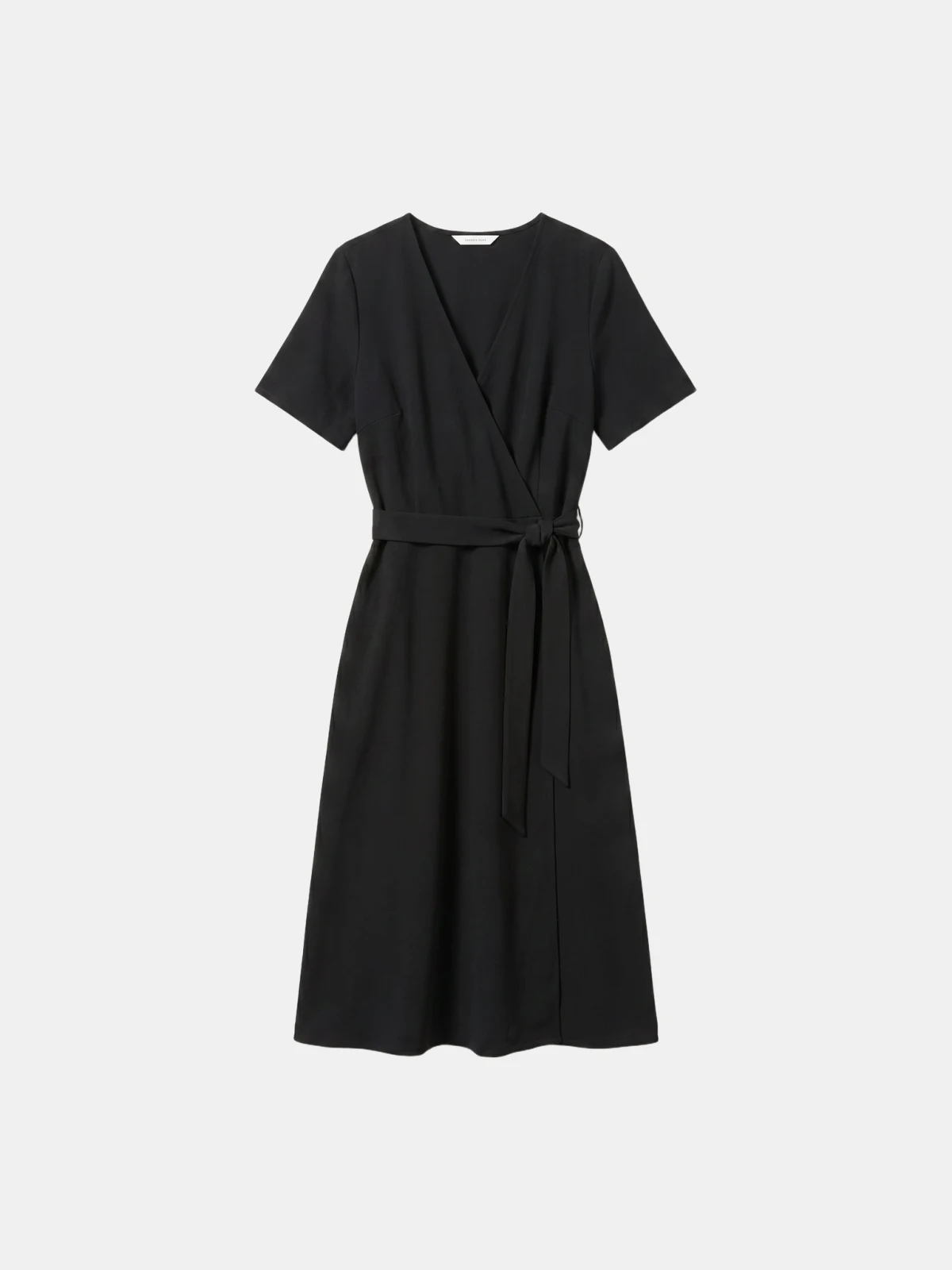
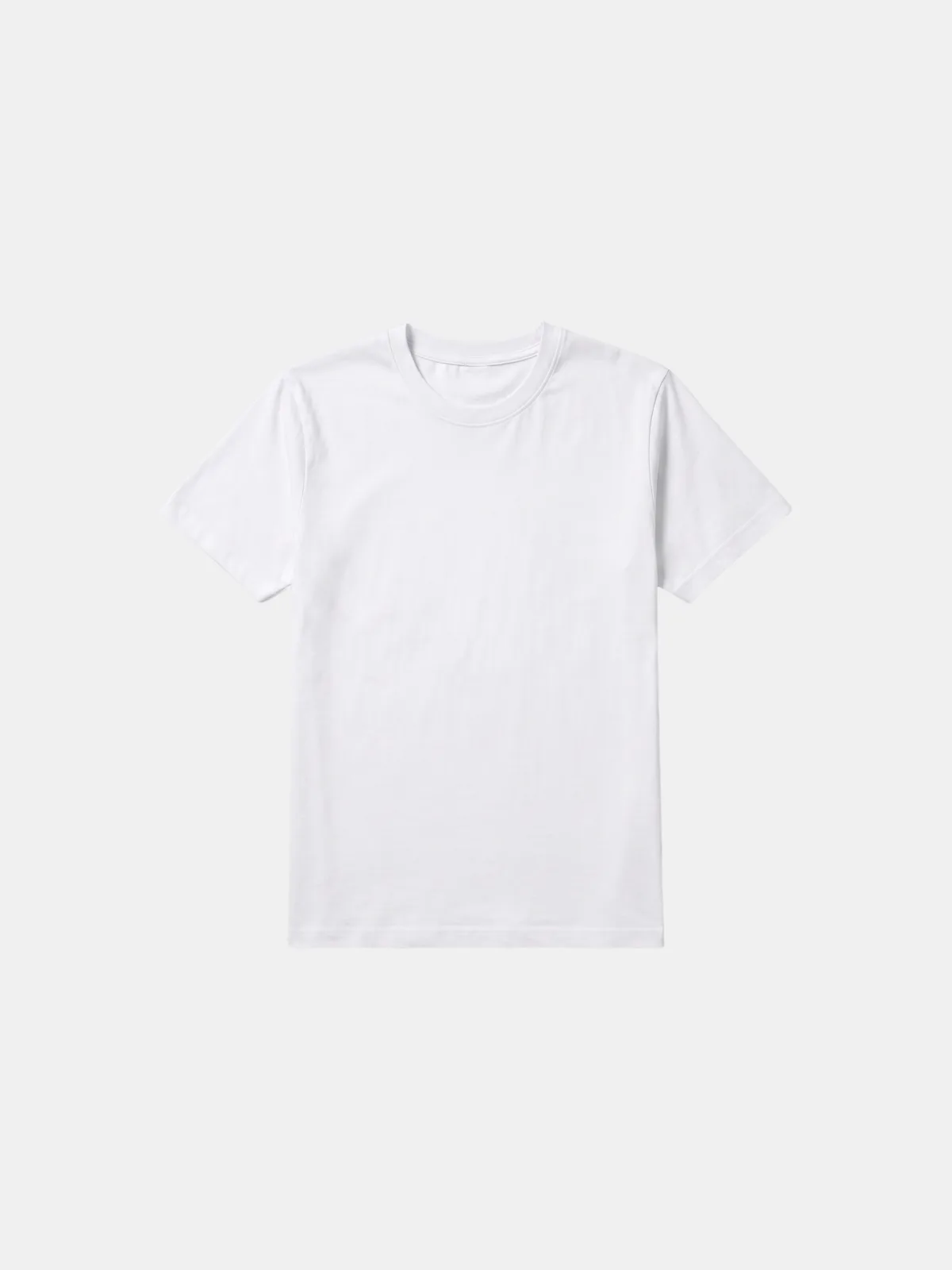
Before · Flat lay A flat-lay of the product
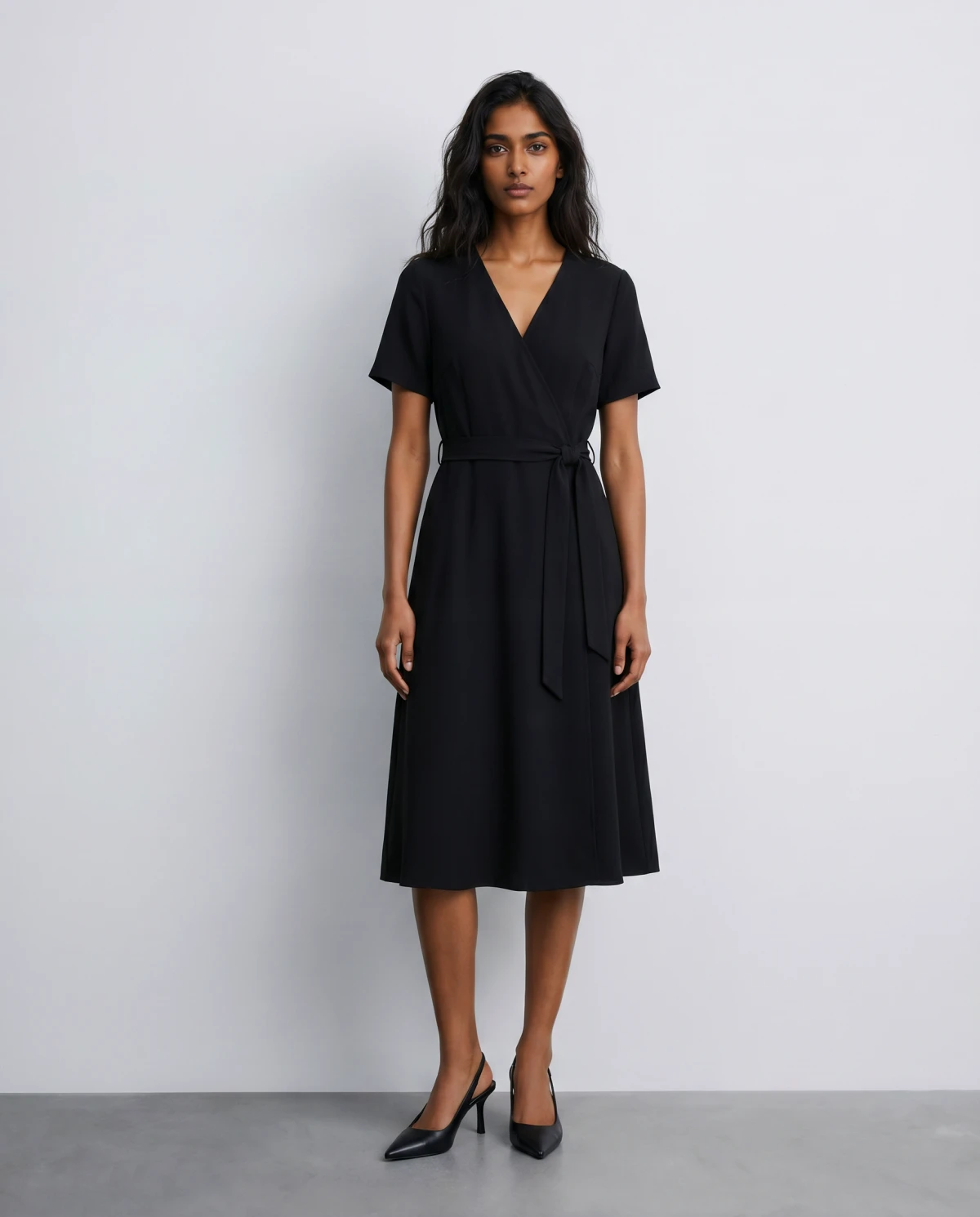
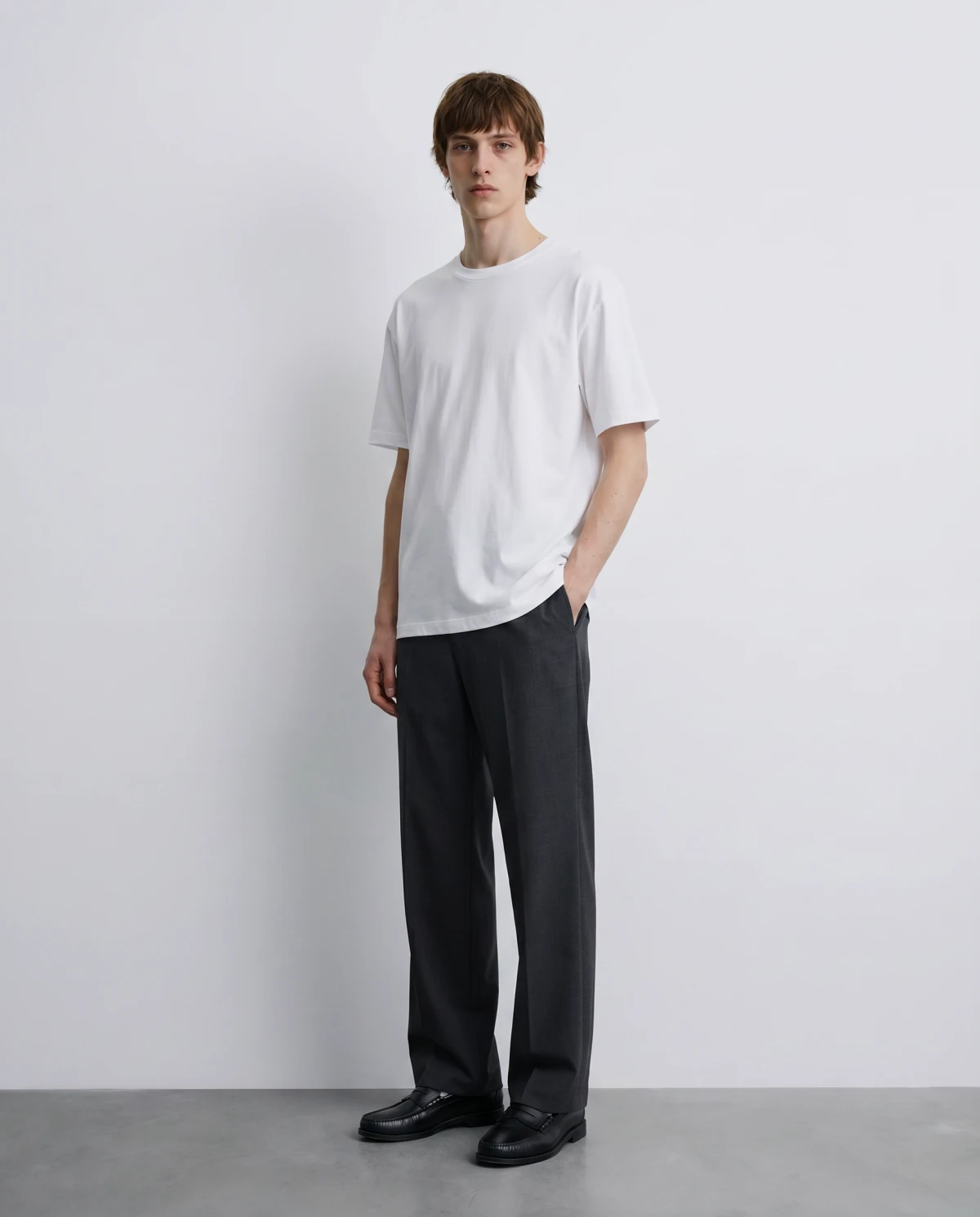
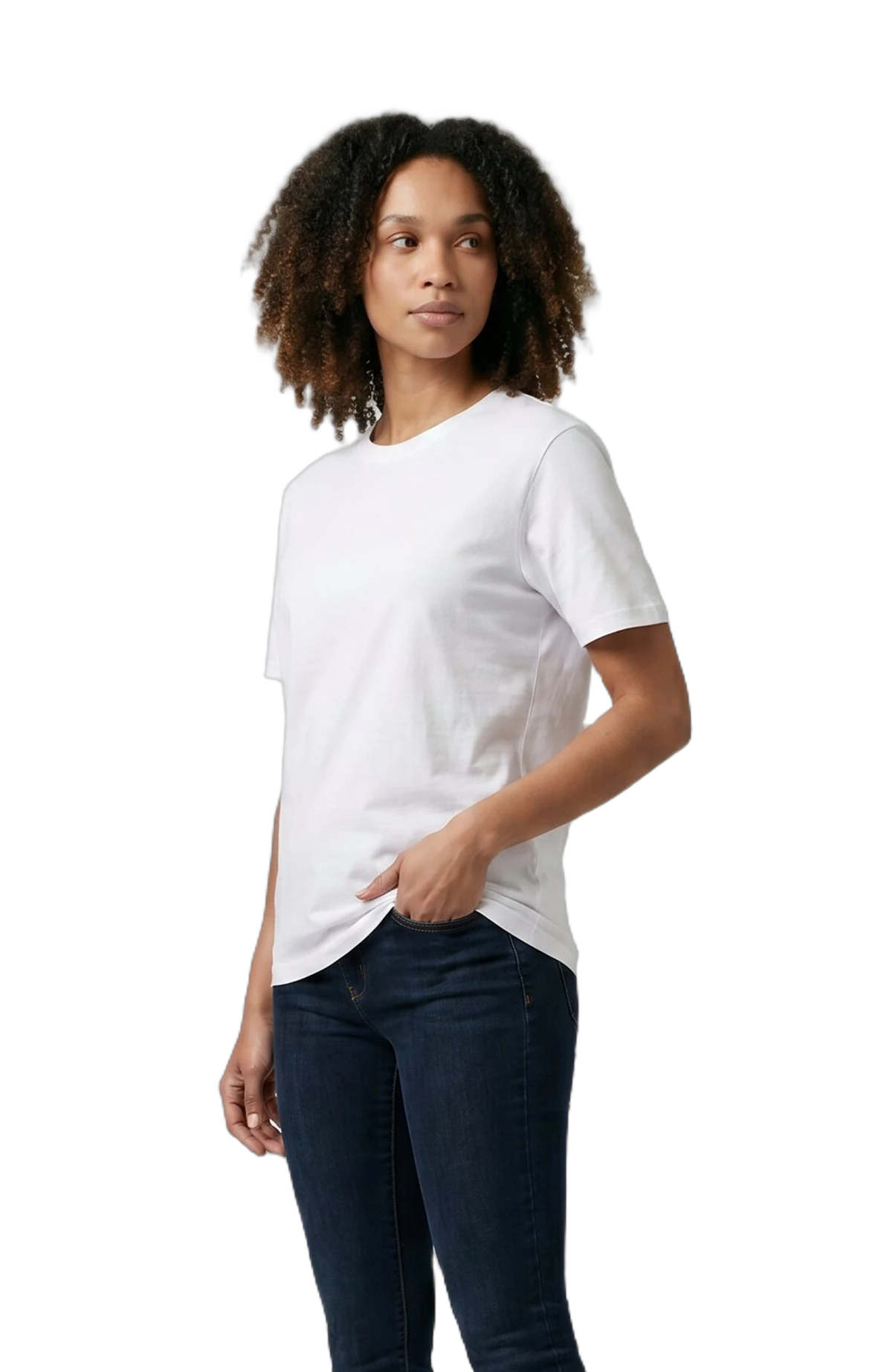
After · On-model An AI on-model shot of the product
01

Fix what the audit flags

The free audit lists every product with no on-model shot — Claude fills the gaps from the flat lays you already have.

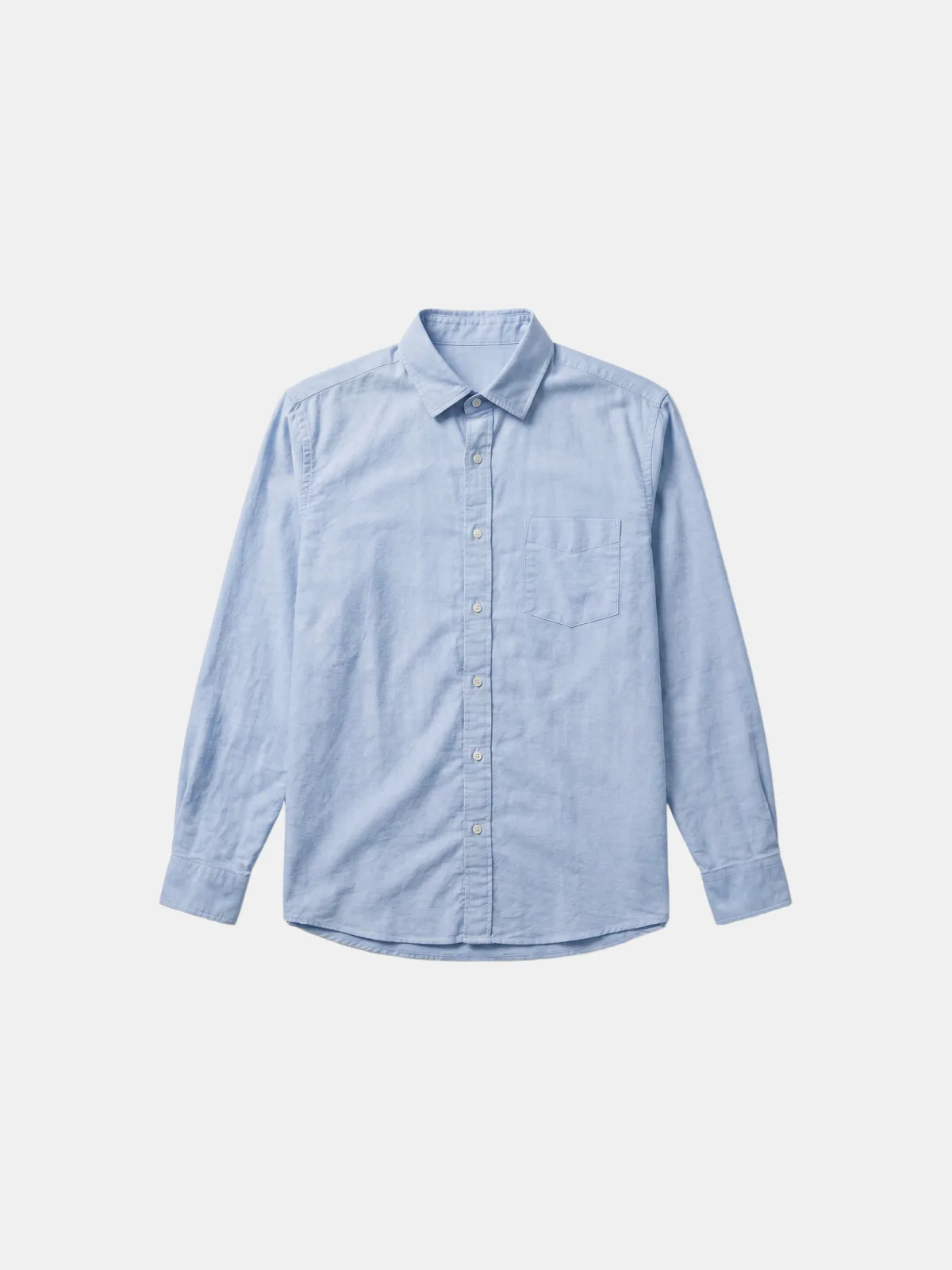
Before · Product only A flat product packshot before any model
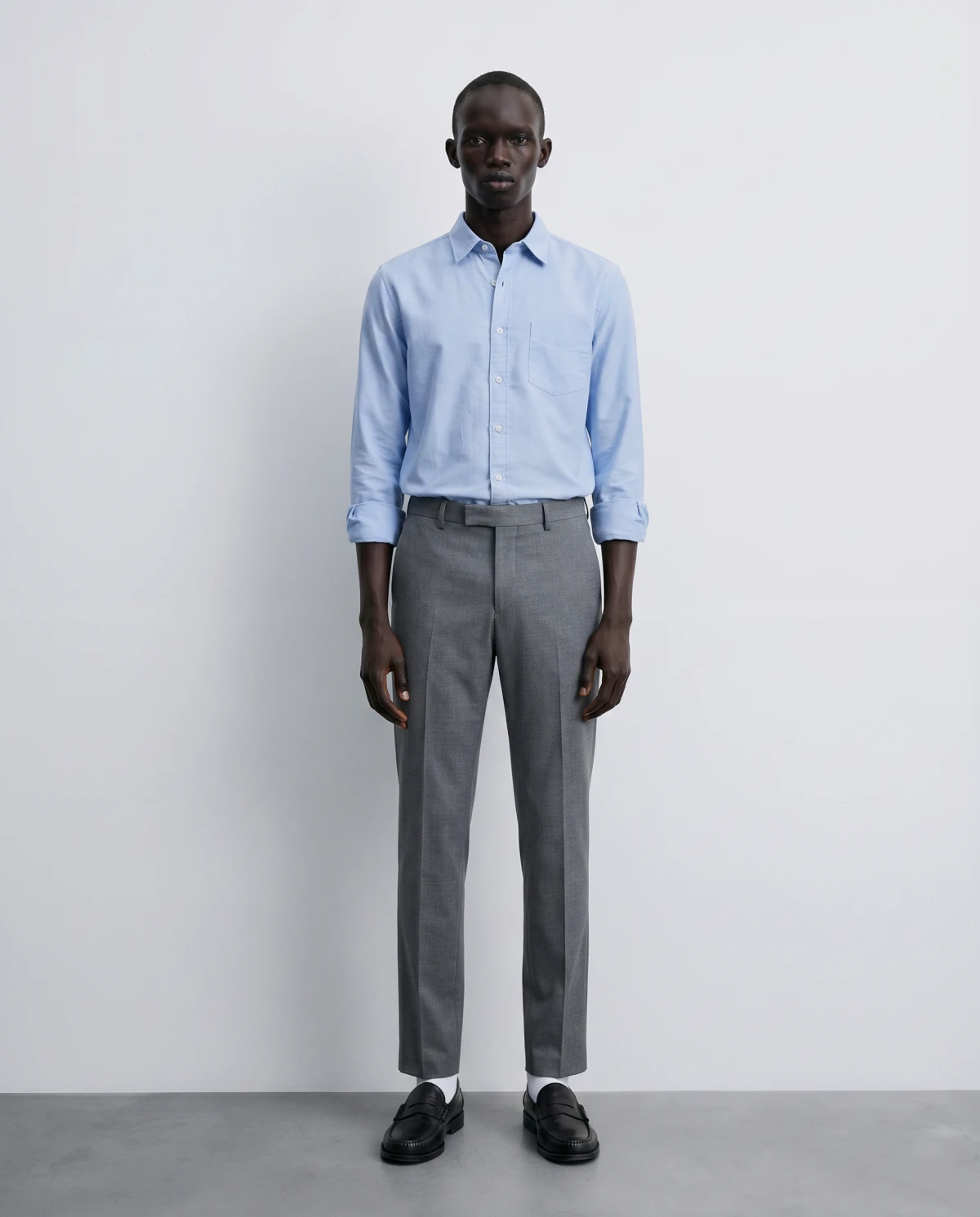
After · On model The same product as a finished AI on-model shot
02

“Put this on a model”

One sentence in chat turns the packshot you have into the converting on-model image your product page needs.

Before · Flat lay A flat-lay of the product
After · On-model An AI on-model shot of the product
03

“Restyle the catalog for fall”

The seasonal-restyle skill rethemes carryover styles with new models and moods — one plan, one approval, no reshoot.

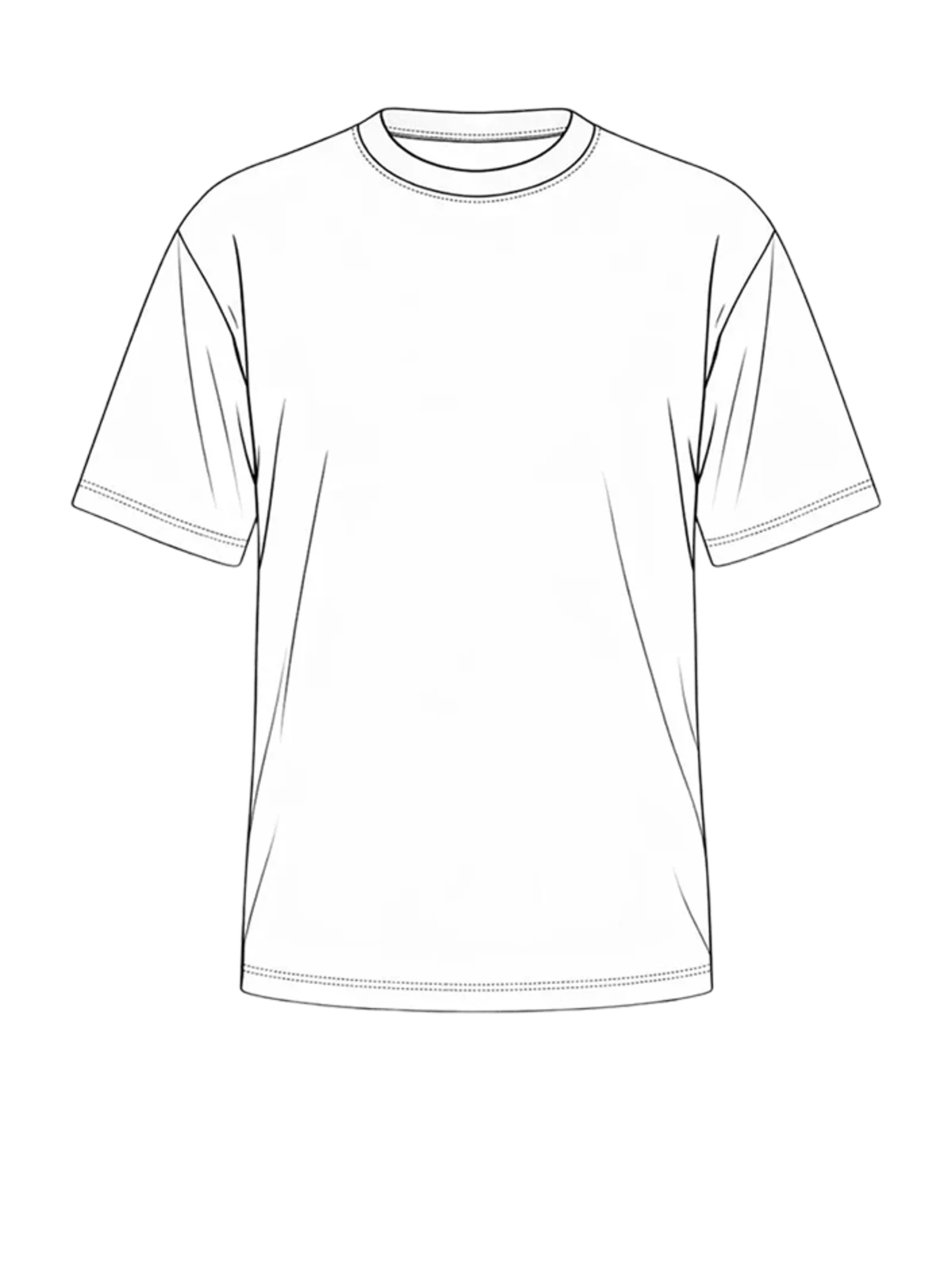
Before · Design file A tech-pack design-file drawing of the garment
After · AI on-model An AI-generated on-model shot created from the design file
04

Launch-ready before the sample lands

Tell Claude the drop date and it plans backwards — launch imagery generated from the design file while the sample is still in transit.

The plugin

What is Dreem Content Studio?

It's a Claude plugin — a pack of skills and connections that installs in one step. Under the hood it bundles two things: the Dreem MCP connector, which lets Claude call Dreem's generation engine, and ten workflows that know how a fashion catalog actually gets shot. Claude stops being a chatbot that can make an image and starts acting like a producer: it audits what's missing, plans the set, shows you the credit cost, and only generates after you say go.

Everything runs on your Dreem account. If you already use Dreem Studio, the shots that come out of Claude match the shots you make anywhere else — same engine, same virtual talents, same styles.

What it's good at — and what to know

The honest version, because overselling helps no one.

Strong today

  • The audit is always free — it reads your public store and spends nothing
  • Nothing generates without a cost preview and your explicit approval
  • Batches get one plan and one approval, not a prompt per product
  • Output matches what you'd make in Dreem Studio — same engine

Good to know

  • Built for apparel and wearables — things people wear
  • You need a Dreem account; generations use your plan's credits (free tier: 100/month)
  • Plugin hosts: Claude Code, Claude Desktop, Cowork. On claude.ai, use the connector directly

Good to know

Frequently asked questions

What is a Claude plugin?
A plugin is a pack of skills and connections that installs into Claude in one step. Dreem Content Studio bundles ten ecommerce-imagery workflows with the Dreem connector, so Claude knows how to audit a catalog, plan a shoot, preview the cost, and generate — without you writing prompts from scratch.
How is the plugin different from the Dreem MCP?
The Dreem MCP is the raw connection — Claude can call Dreem's generation tools, and the rest is up to you. The plugin includes that same connection plus the workflows around it: the free store audit, content kits, launch planning, seasonal restyles, and a cost preview before every generation.
Do I need a paid Dreem account?
No. A free Dreem account comes with 100 credits per month, which is enough to try product shots, an on-model look, and a short video. The store audit is free on any account — it never spends credits.
Can the plugin spend my credits without asking?
No. Nothing generates without a cost preview and your explicit approval. Before any generation, Claude shows a plan with the exact credit total and waits for your go-ahead.
Where does the plugin work?
Anywhere Claude supports plugins — Claude Code, Claude Desktop, and Cowork. On claude.ai you can get the same generation tools by adding the Dreem connector directly; you just won't get the guided workflows.
What does it cost to use?
The plugin is free and open source. Generations use credits on your Dreem account: product shots run roughly 6–10 credits per image, on-model shots 9–14 per shot, and video 2 credits per second. See the pricing page for plans.