
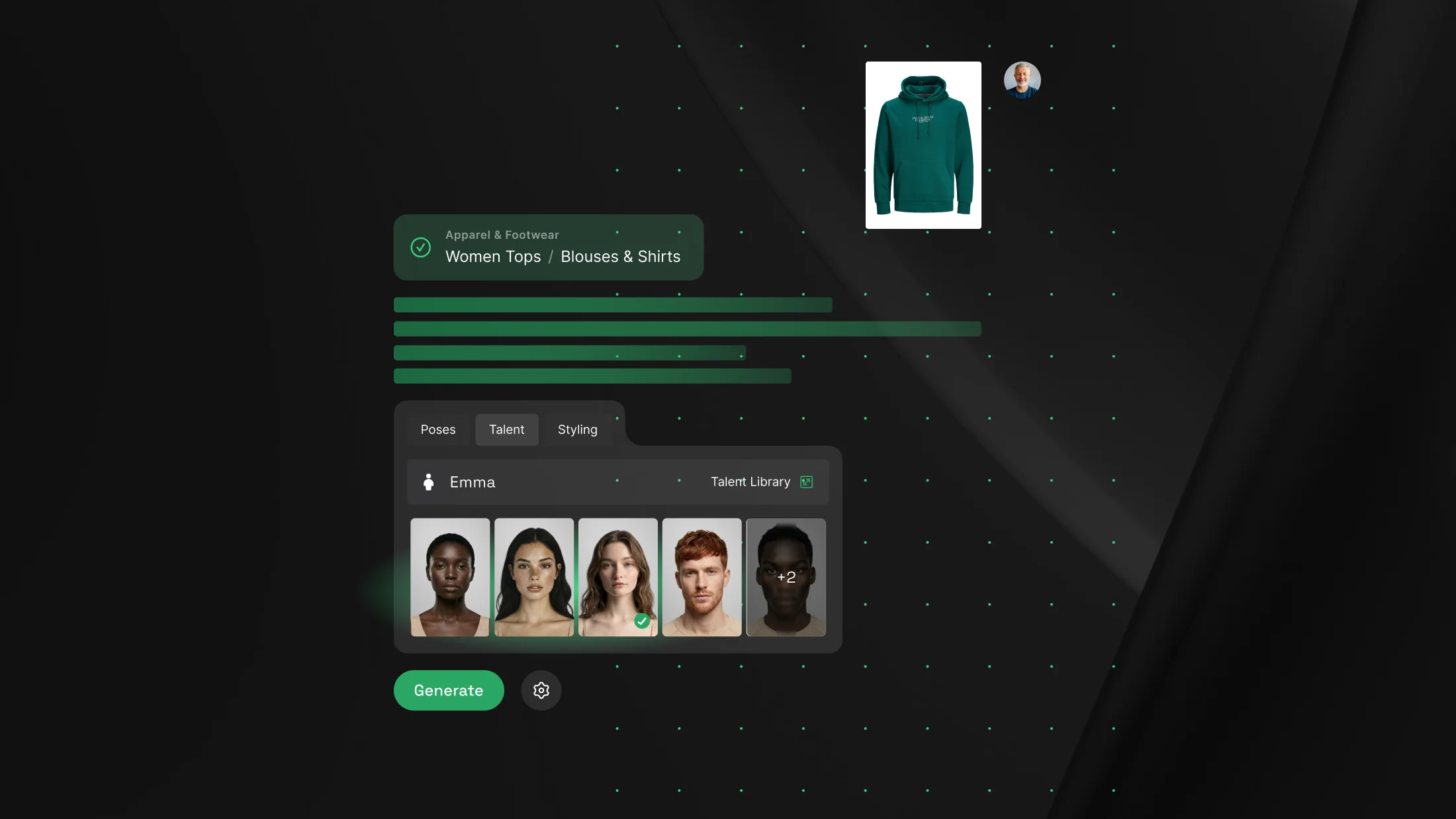
Most AI content tools make you do the setup before they do anything. Upload the image. Label the angle. Pick the tool. Configure it. Then, finally, generate.
Chat Agent V3 turns that around. You upload your product and describe what you want. It reads the images, picks the right tool, suggests the talent and the motion, and builds the content step by step. The setup work you used to do by hand, it now handles for you.
Chat Agent V3 is available now on all plans. The result is fewer steps to a production-ready output, with more control at each stage. Here's what that looks like in practice.
It reads the image before you say a word
In the old flow, you told Dreem what each image was. Front. Back. Styling piece. Detail. Every upload came with a tagging step, and it was easy to skip. Skip it, and the output suffered.
Chat Agent V3 removes that step. Upload your images and the agent detects the angle on its own, sorting front, back, and detail into the right places.
You start from a workflow that already understands what you gave it, instead of one waiting for you to explain it.
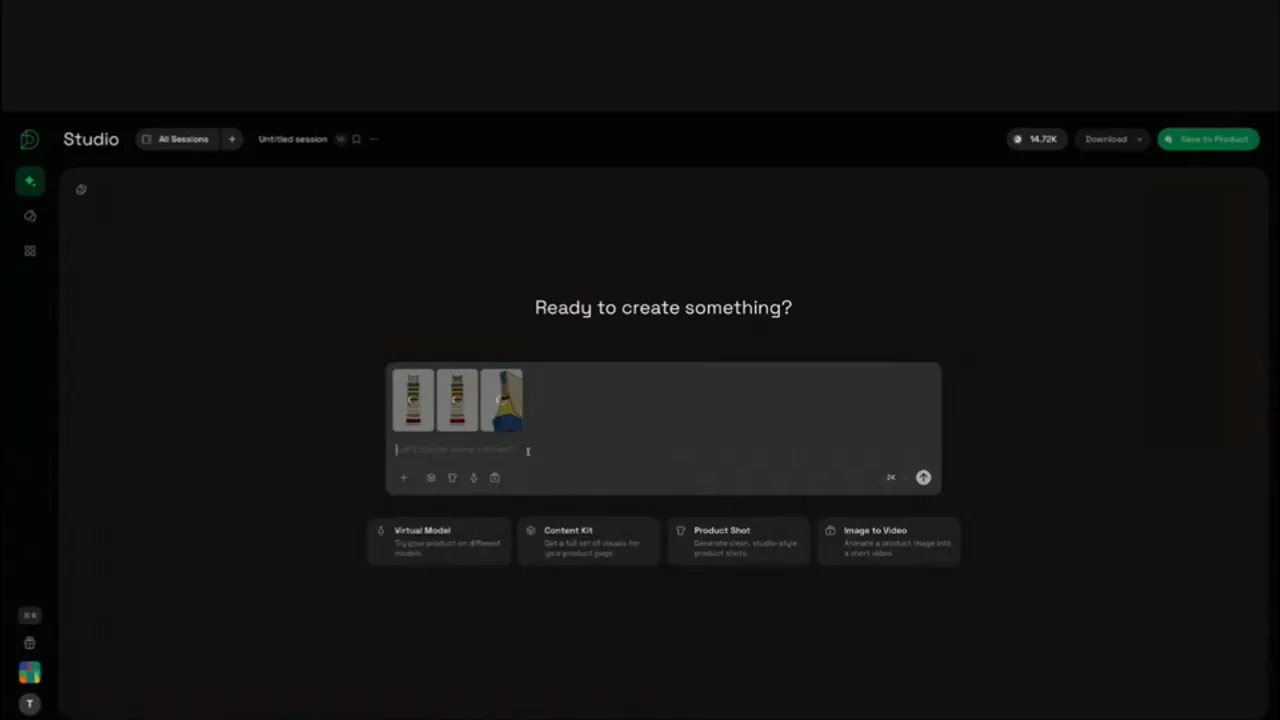
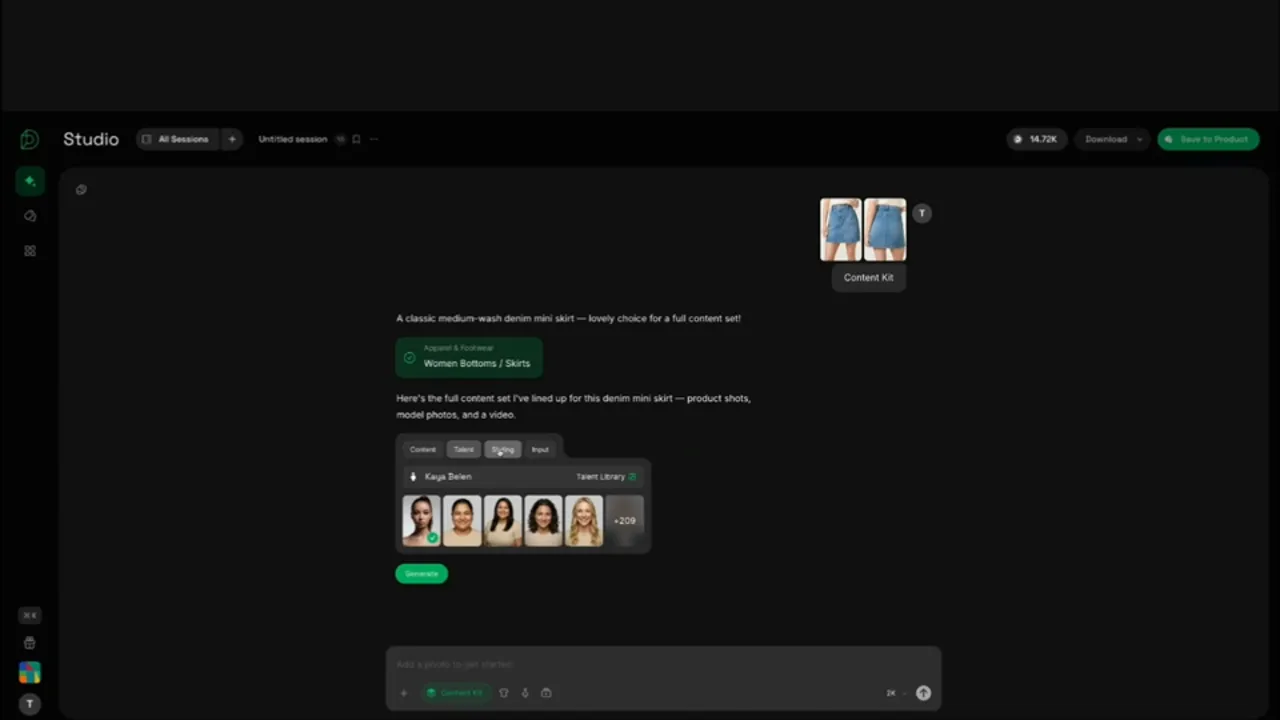
One product photo becomes a full content kit, one stage at a time
The old Content Kit generated everything in one shot. Product shots, model shots, and video all came back together. If the first flat-lay was off, everything built on top of it was off too, and you started over.
Chat Agent V3 builds the kit in stages. Upload a single product, a skirt, say, and the agent lays out your options, then generates in order: product shots first, then on-model shots, then video. You review the talent, the styling, and the inputs at each stage.
Once the product shots look consistent, you move to model shots. Once those hold up, you move to video. You catch a problem where it happens, not three steps later.
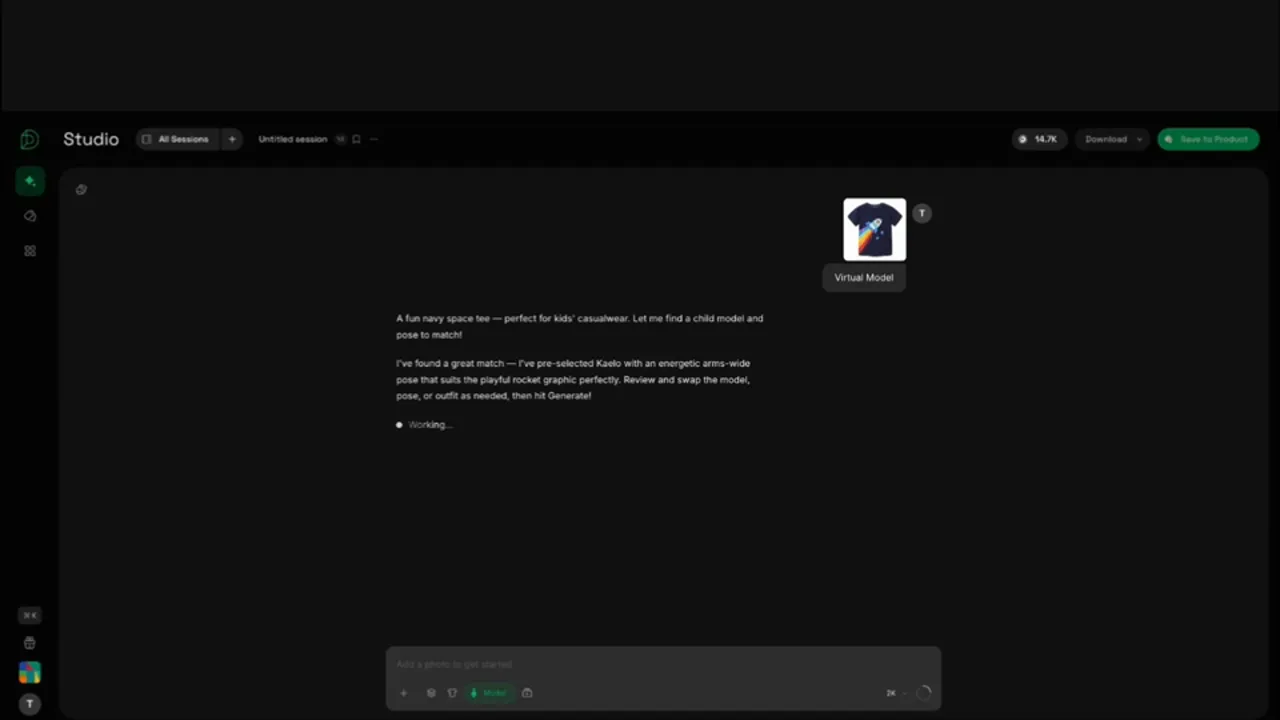
It suggests the talent, the pose, and the motion
A blank canvas is its own kind of friction. The old flow gave you tools but left the creative direction to you. If you weren't an art director, that was a lot of decisions to make cold.
Chat Agent V3 makes the first move. Upload a kid's shirt and it recommends the kind of talent that fits and a pose to go with it. Every suggestion is a starting point, not a lock: open the library and swap in a different model, a different pose, whenever you want.
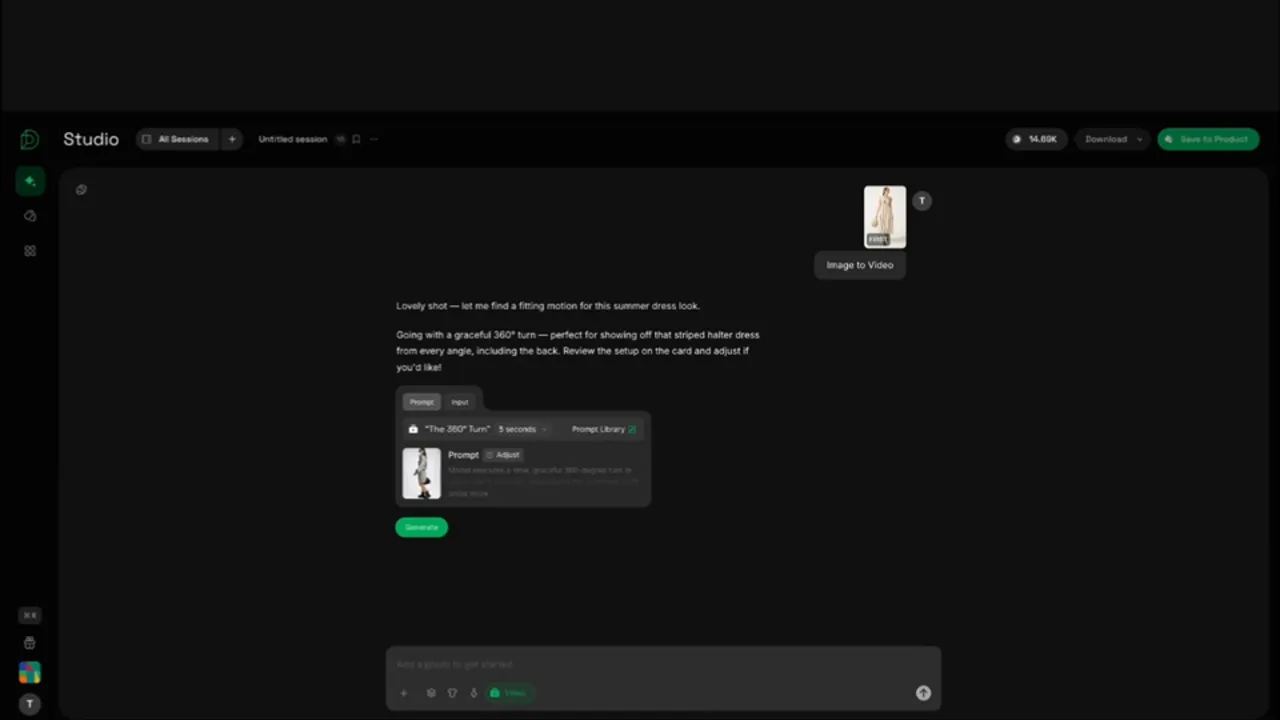
The same holds for video. Upload a dress and Chat Agent V3 reads the garment and recommends the motion that shows it off, a 360-degree turn so the whole piece is on screen. You get a considered starting point instead of an empty prompt field.
Edit by describing the change, and check the cost before it runs
Editing AI imagery has always meant a choice between regenerating from scratch or living with what you got. Chat Agent V3 lets you edit by describing the change in the chat, and it makes sure it understood you before spending a credit.
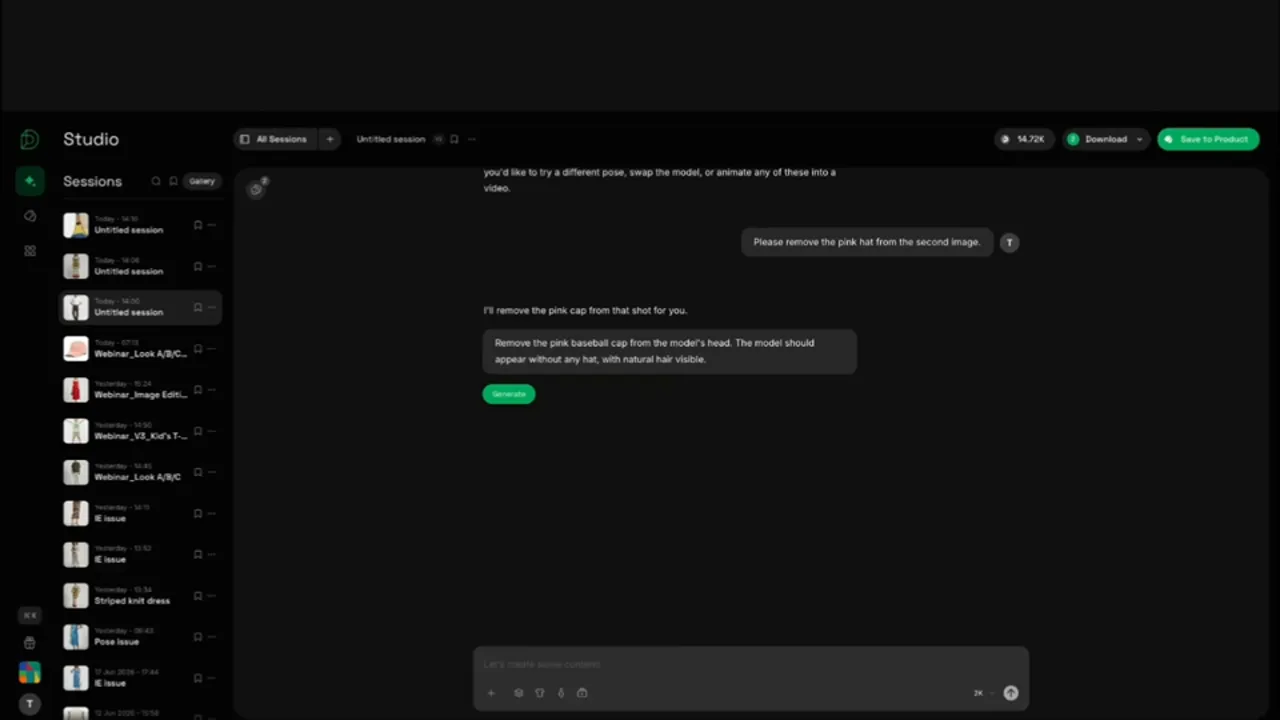
Reference an image by position and tell it what to change. "Remove the pink hat from the second image." The agent validates the request, shows you what it's about to do, and only then generates. Color works the same way. Give it a hex code or RGB value and name the image you want changed, and it updates that one.
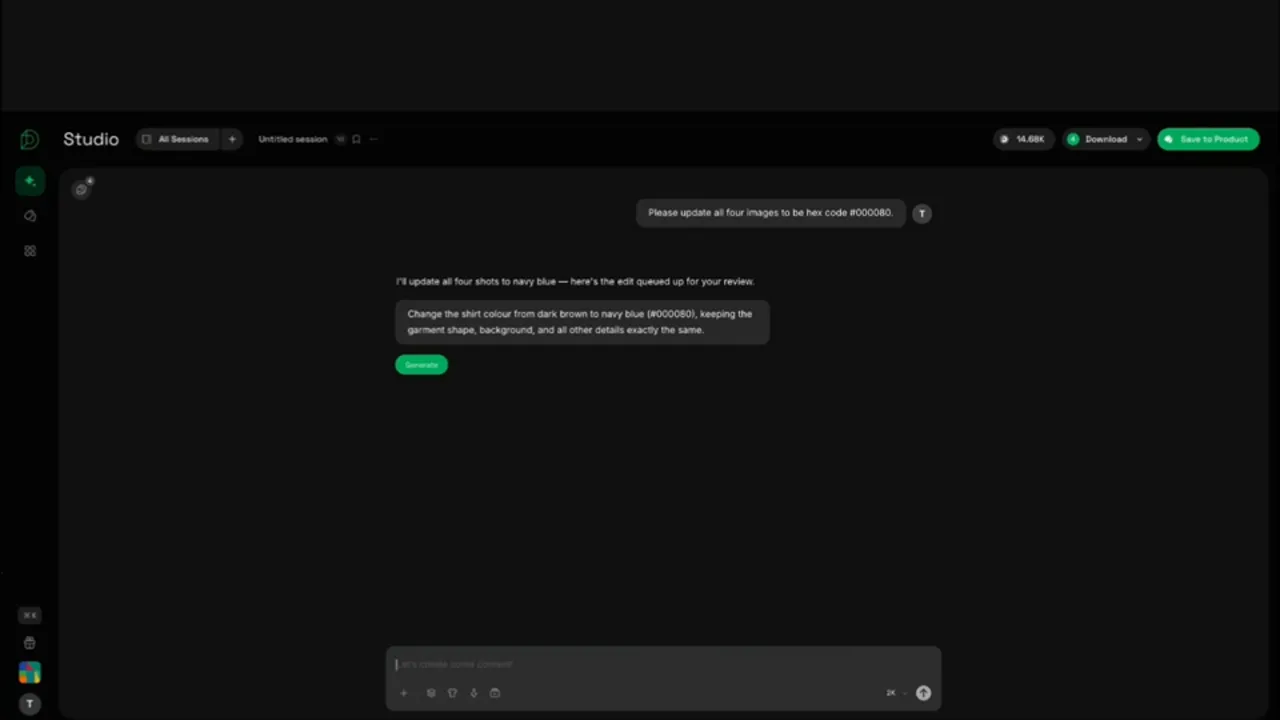
The validation step earns its keep on bigger edits. Ask it to recolor all four product images to a single hex, from dark brown to navy, and Chat Agent V3 refines your request, shows you the interpretation, and waits for your confirmation before any generation runs. When credits are on the line, you see the plan first.
Less setup, more control
Put the pieces together and Chat Agent V3 is one continuous workflow. You upload a product and describe the goal. It reads the images, builds the kit in stages, suggests the talent and the motion, and lets you edit by asking, checking the cost before it commits. The steps you used to manage by hand happen inside the conversation, and you stay in control of every one.
Chat Agent V3 is available now on all plans. Open Dreem and start with one product photo.